
Salary slips (RSK 2.01)
Salary slips:
Parties who are registered as employers and have paid salaries must submit salary slips. The deadline for submitting salary slips is January 20th for the preceding year.
Individuals in business do not submit salary slips.
Those who have paid salaries in Payday will receive an email reminding users to send salary slips for the preceding year.
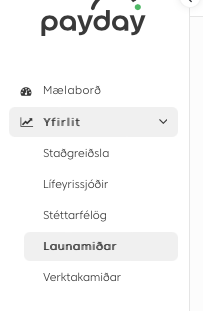
To view the salary slips, click on Yfirlit > Launamiðar (Overview > Salary slips).
Send salary slips:
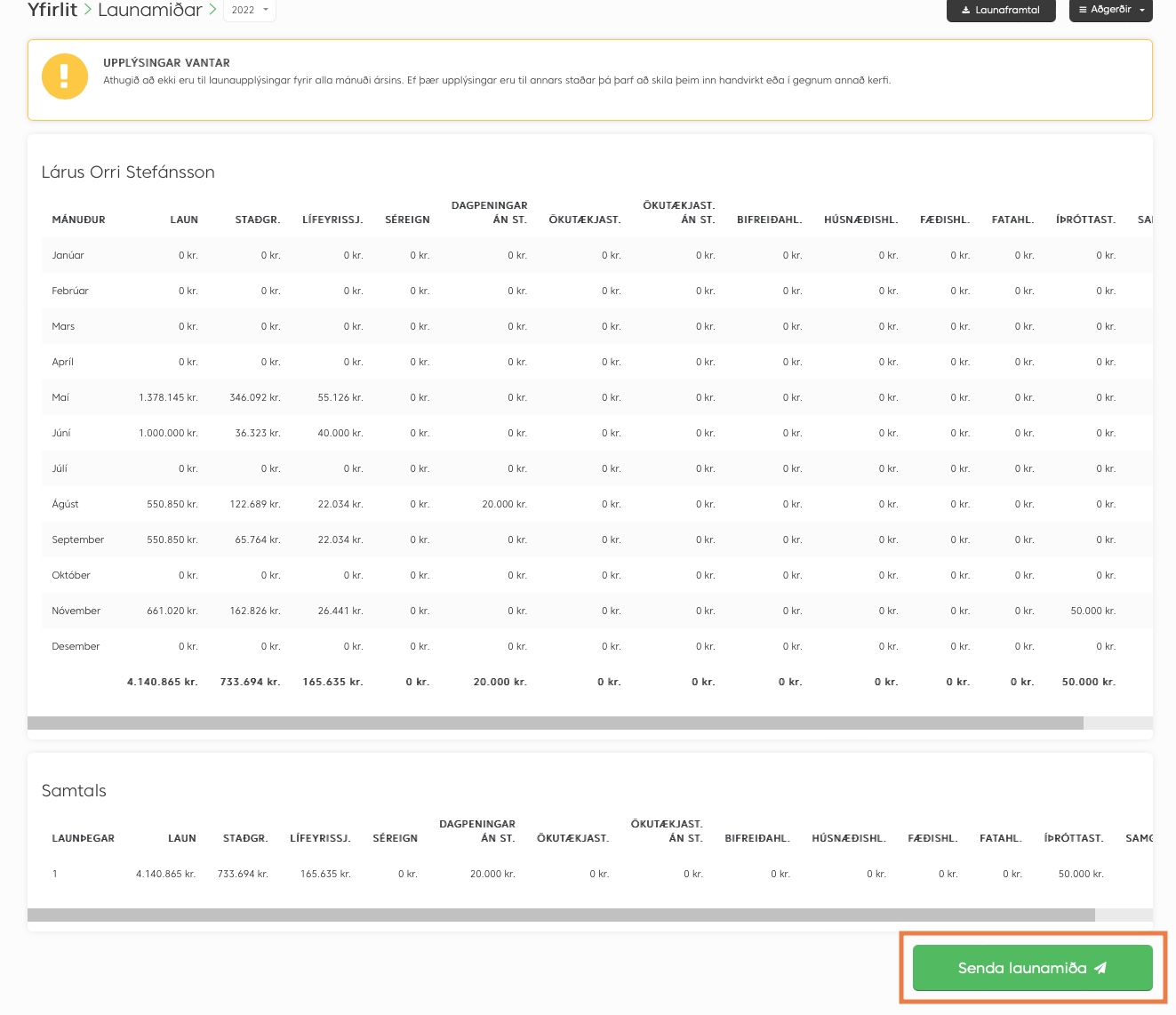
Then, select the appropriate year. It is a good idea to review the salary slips and check if they are all correct.
To submit the salary slips, click on "Senda launamiða" (Send salary slips).
Correcting salary slips:
If salary slips were submitted incorrectly and need to be corrected, you must first log in to the tax authority's service website (skattur.is) and delete the previous salary slips.
Then, you can submit a correction by clicking on Yfirlit > Launamiðar > Endursenda launamiða (Overview > Salary slips > Resend salary slips).
