
What about payments to pension and supplementary pension funds?
Payday automatically generates and submits returns for pension fund payments. You can choose when returns are sent under Settings when running payroll.
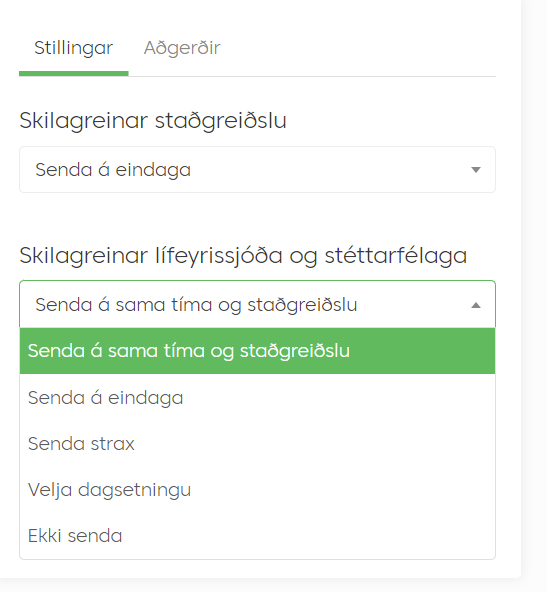
If a user has selected that they want to pay into a supplementary pension fund under the settings page, the system also generates a return for that.
You can view these returns under Overview > Pension Fund.
Employees who do not pay into a pension fund#
- 70 years and older: See here: Salary for 70+
- Under 16 years old: See here: Salary under 16 years old
How is the payment made to the pension fund?#
Once the returns have been submitted to the pension fund, you should receive a payment claim in your online bank from the pension fund.
Failed to send return#
If a user has received an email stating that returns could not be submitted to a pension fund, the problem is most likely that the username and/or web key for the respective pension fund's employer portal is incorrectly registered in Payday. This can be changed under Settings > Employees > Click on an employee in that pension fund > Pension funds and unions. There you can change the username and web key to the same ones you use to log into the employer portal of the respective pension fund.