
What about union payments?
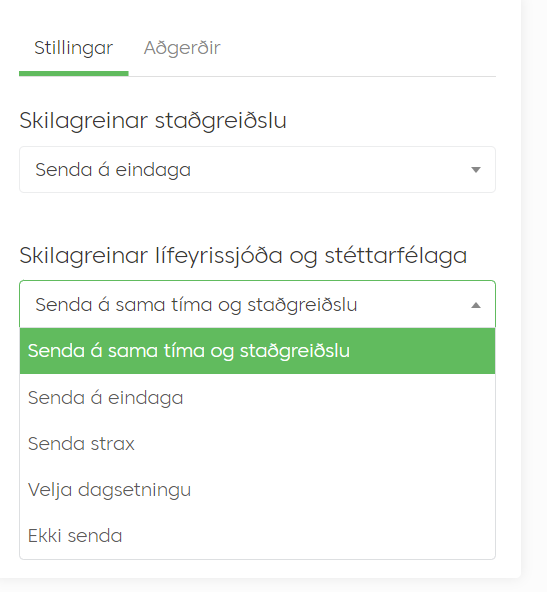
If a user has selected that they want to pay into a union under the settings pages, Payday takes care of creating and submitting the return for it. You can choose when returns are sent under Settings when creating a payroll run.
These returns can be viewed under the overview pages.
Failed to submit returns to a union:
If a user has received an email stating that returns could not be submitted to unions, the problem is most likely that the username and/or web key for the respective union's employer portal is incorrectly registered in Payday. This can be changed under Settings > Employees > Pension funds and unions.