
Automatic payroll runs
If salaries are fixed and do not change from month to month, you can set up automatic payroll runs.
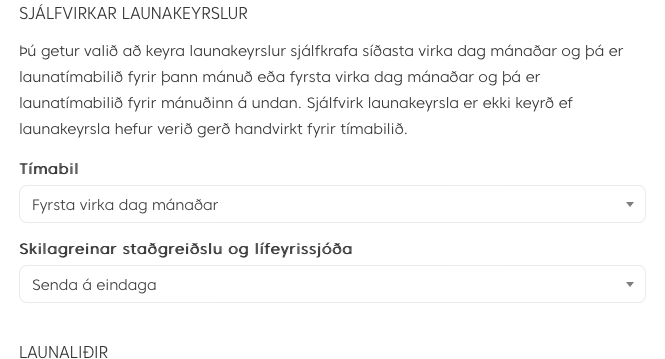
You can choose to run the payroll on the last business day of the month, or on the first business day of the month for the previous month.
To set up an automatic payroll run, go to Settings > Company > Payroll, and under period, select when to run the payroll and when returns are sent
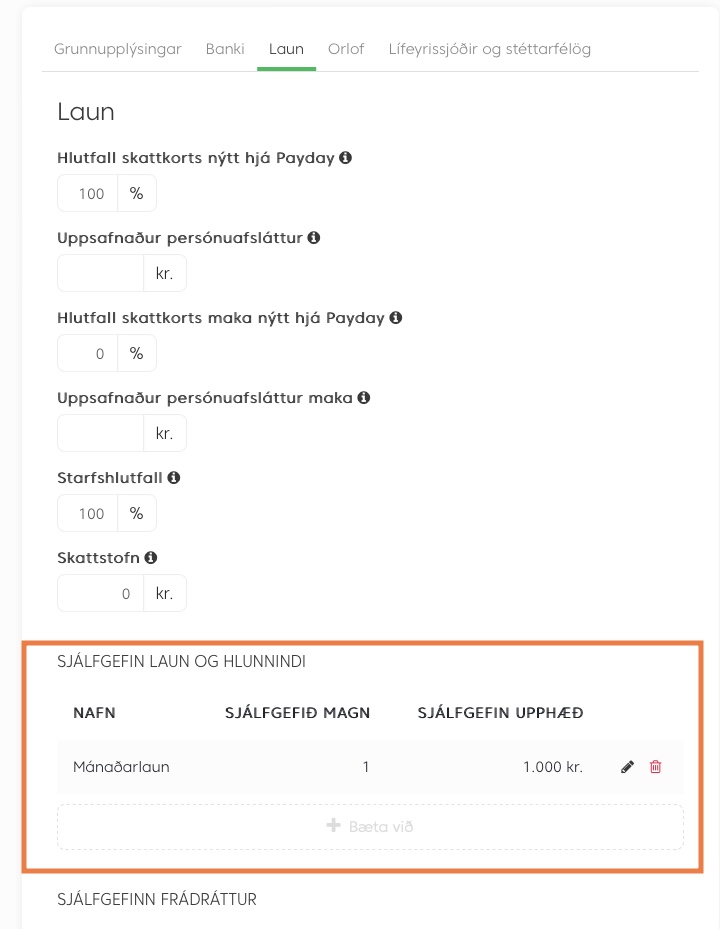
Default salaries must be configured for each employee under settings->employees->salary.
The automatic payroll runs take place at 09:50 on the last business day of the month or the first business day of the month, depending on your settings.