Comments on payslips
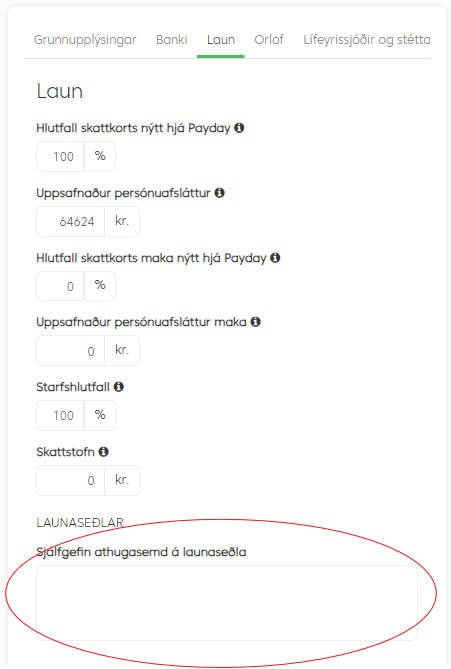
To add a comment to all payslips, go to Settings > Company > Payroll > Default comment on payslips and enter the comment you want to appear on the payslip.
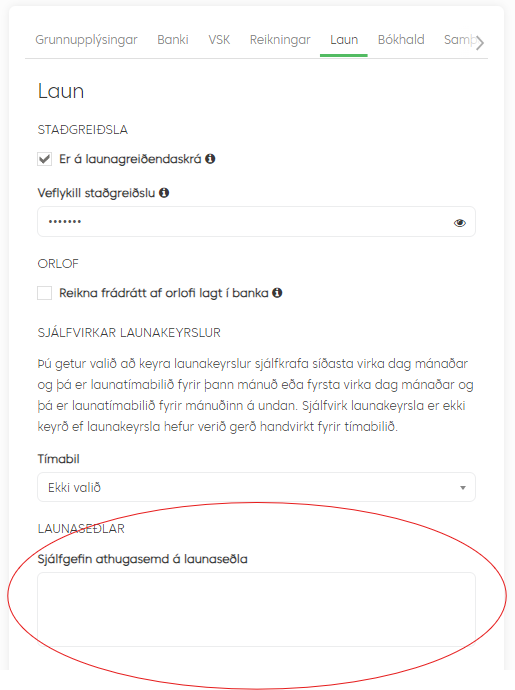
It is also possible to register a default comment for a specific employee under Settings > Employees > Select employee > Payroll > Payslips. If a default comment is registered for a specific person, that person will not receive the comment that was registered for everyone.