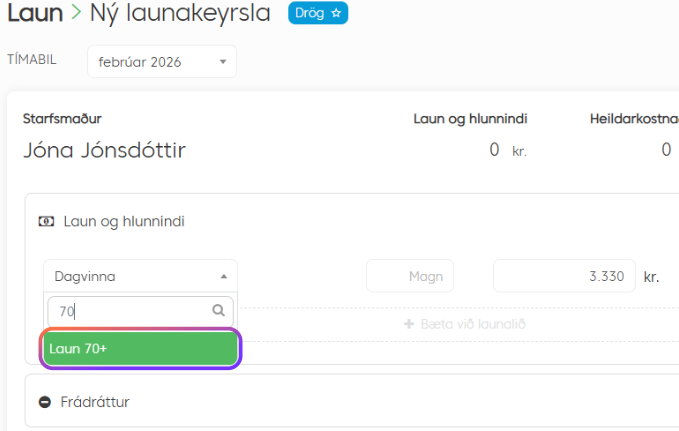
Salary for 70 years +
In order to pay salary for 70+, you need to create a specific salary item which is then selected in the payroll run.
NOTE: a pension fund must be selected for the employee even if they do not pay into it.
Step by step#
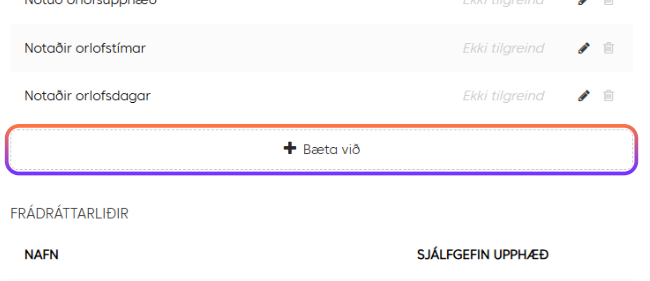
1. The salary item is created under Settings > Company > Salary > Salary items > Add.
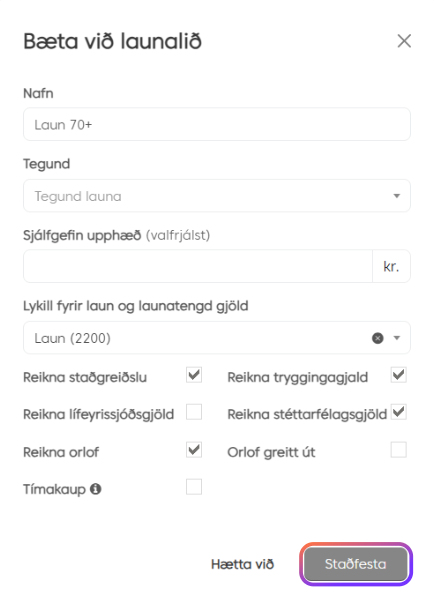
2. Once that is done, the salary item must be set up correctly. Make sure to uncheck "Calculate pension fund contributions". Once that is done, click confirm.
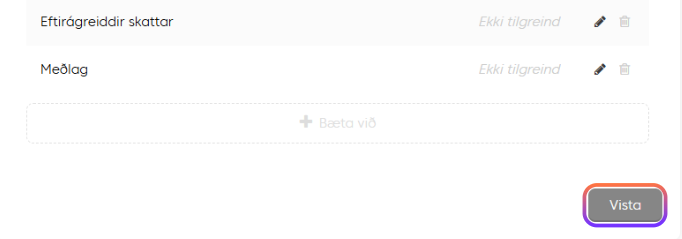
3. Then it is very important to click save at the bottom of the page so that the salary item is saved.
Once the salary item has been created, you can select it for the employee under Salary > New payroll run > Click on the employee > Salary and benefits > Select the salary item.