Multiple payments on a single expense
It is possible to create more than one payment on an expense.
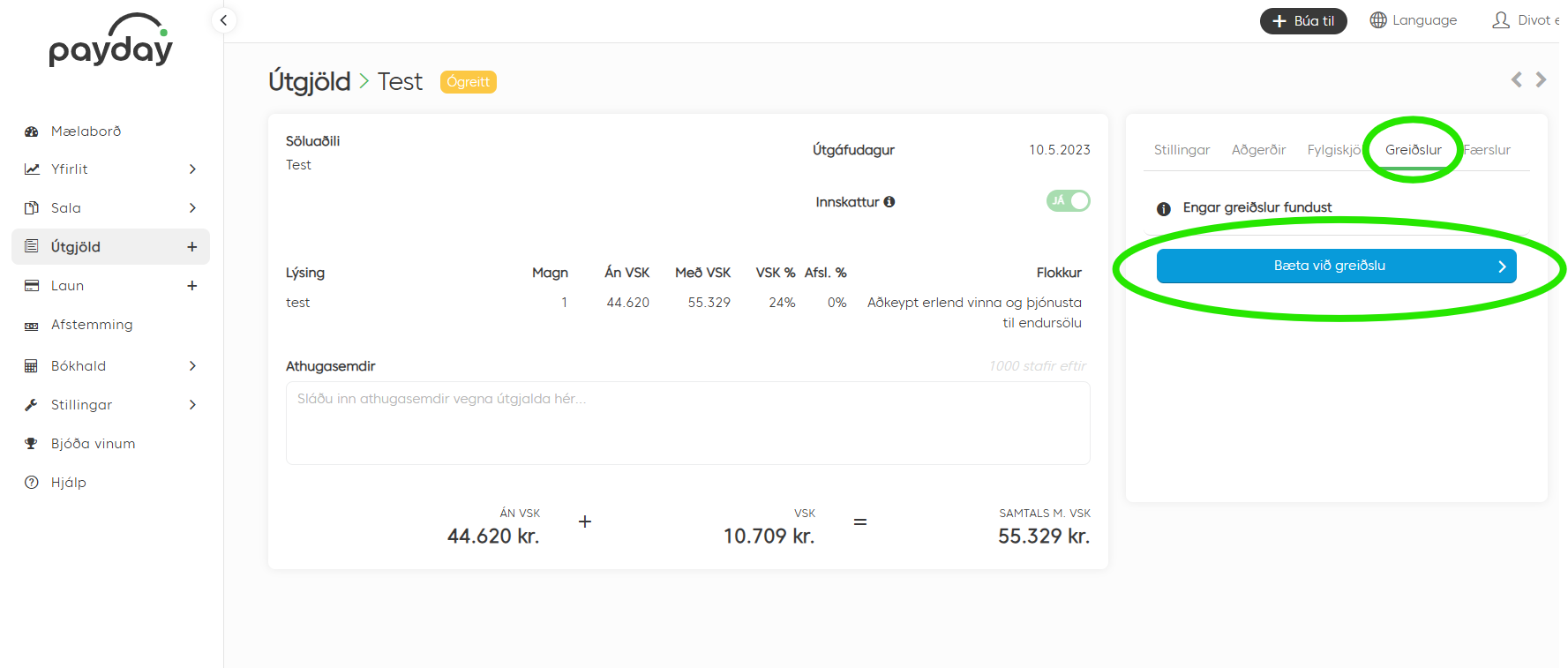
Click on Expenses and select the relevant expense. Then click on Payments > Add payment
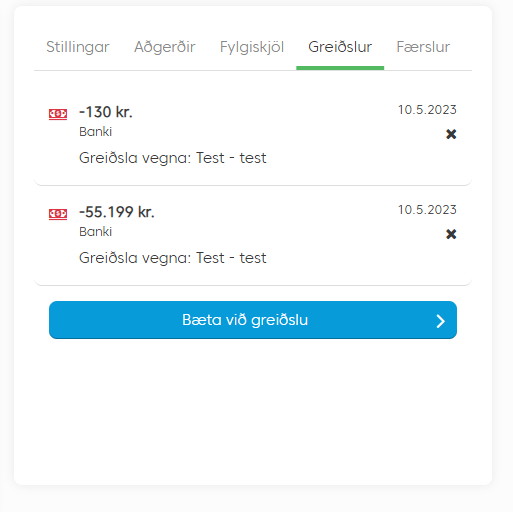
Once both payments have been entered, it should look like this, see here:
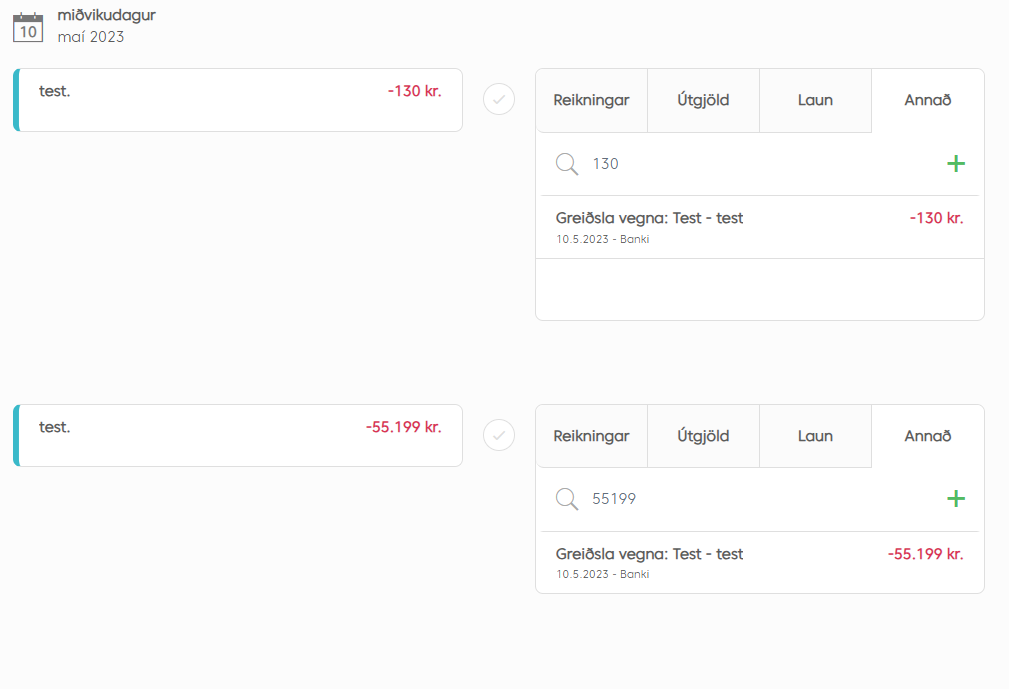
To match the payments in the reconciliation, click on Other. It can often help to search for the amount in the search window.