Edit expenses
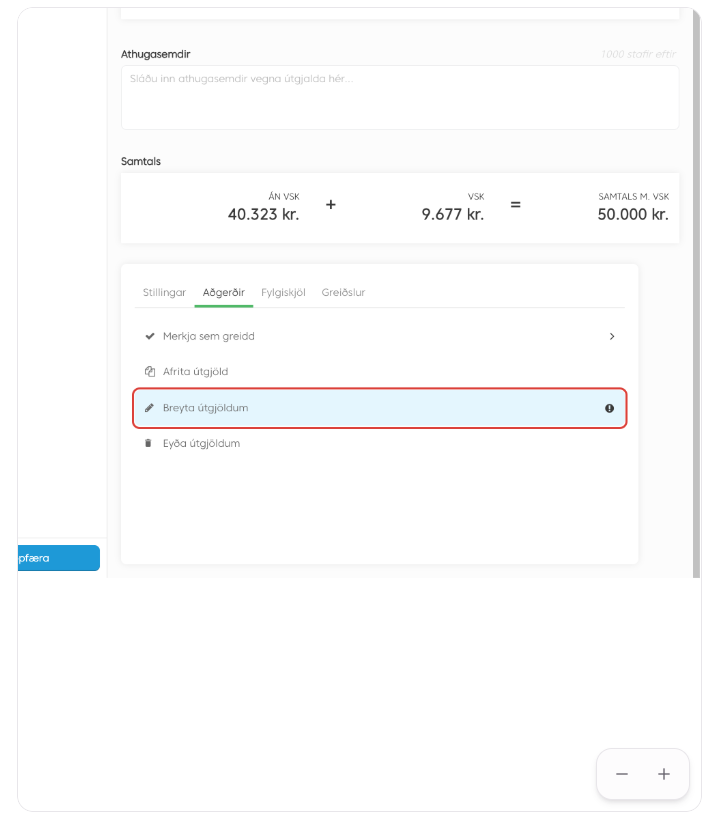
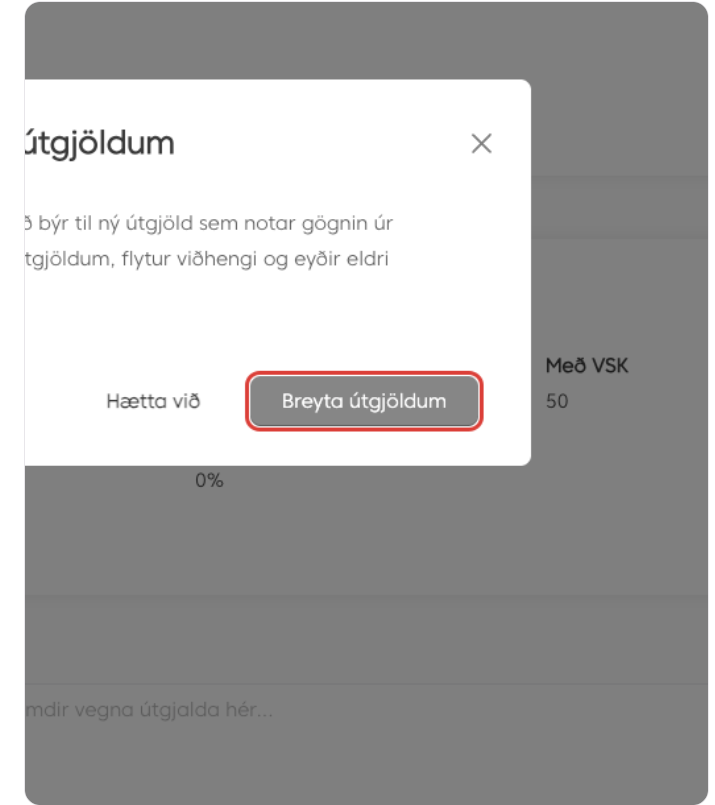
If an expense needs to be corrected, you can click on it -> Actions and edit it. What happens then is that the previous expense is reversed and a new one is created in draft, which can then be modified and posted again.
Step by step:
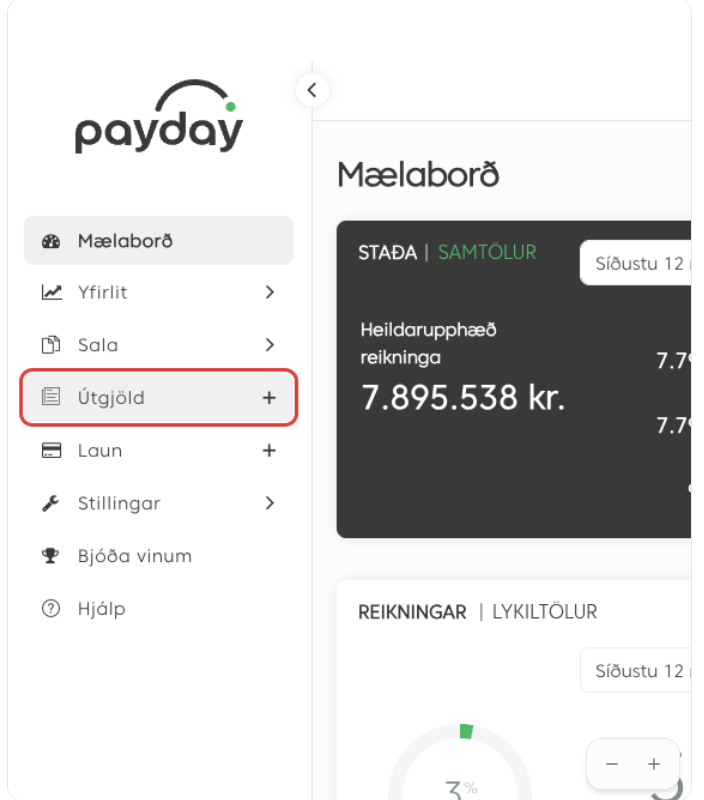
- Click on the expense
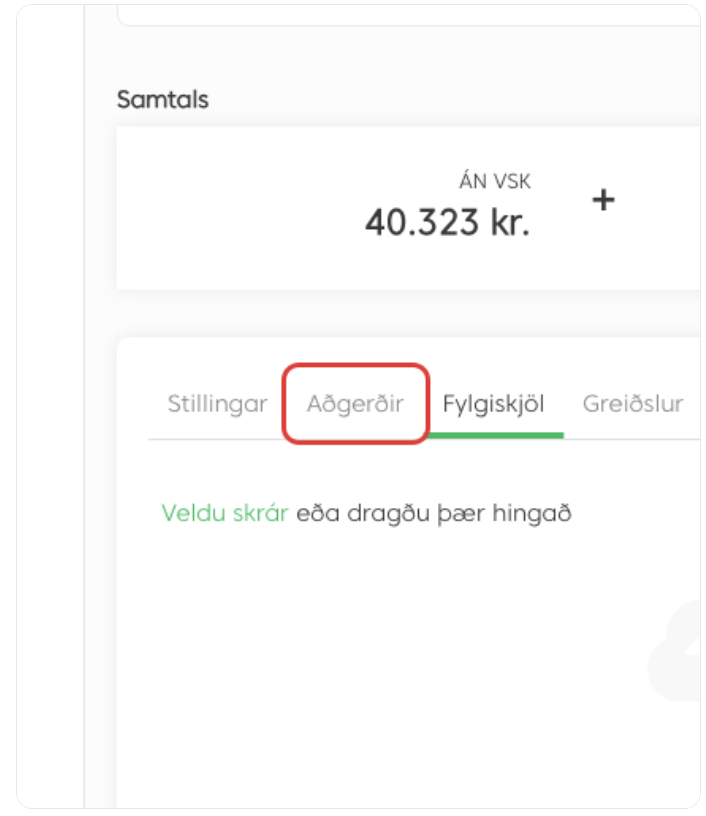
- Click on Actions
- Click on Edit expense