
Change email for invoices
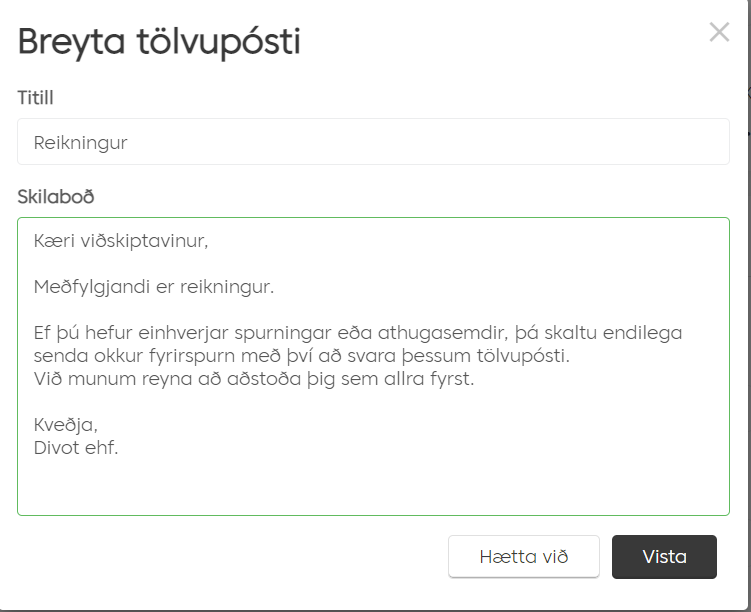
To change the email message sent with an invoice, click the pencil icon next to the email checkbox when creating an invoice.
If the email message is changed, that change only applies to this single invoice.
This can also be done for an invoice that has already been sent. Click on the invoice and select "Send invoice by email" under the actions tab. There you will find the pencil icon where you can edit the content of the email.
It is also possible to change the invoice template for emails, see here: Sniðmát fyrir tölvupósta