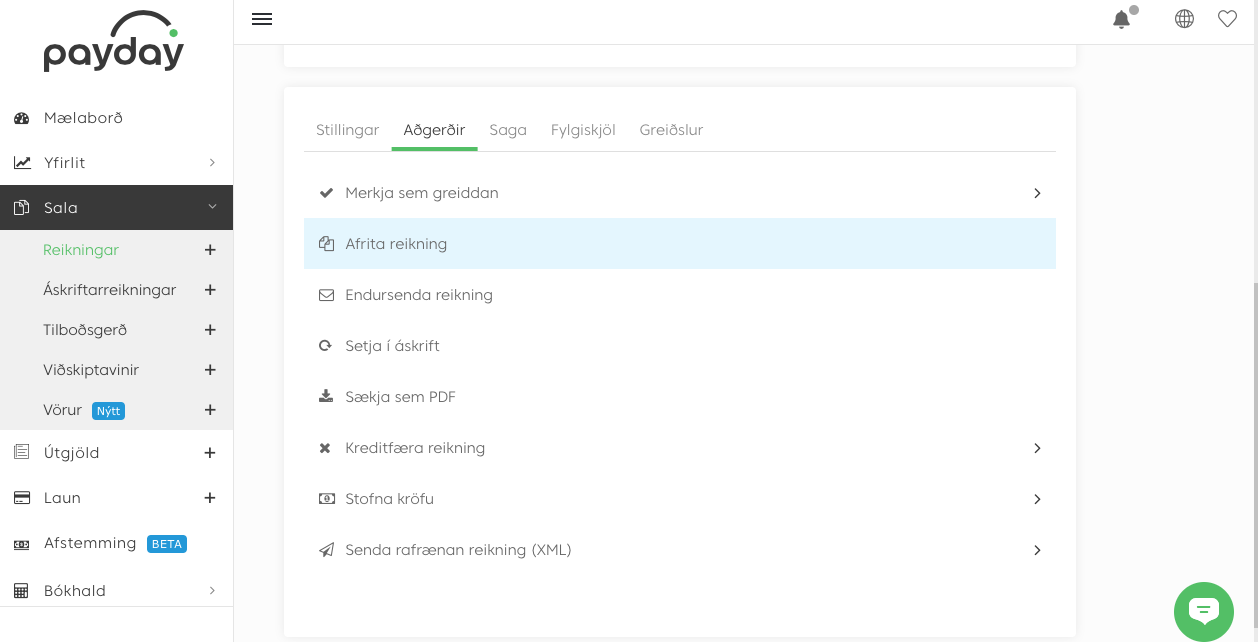
Copy an invoice
It is possible to copy an older invoice. This creates a new invoice that is identical to the copied one, except with new dates.
To copy an invoice, you need to:
- Click on Sales > Invoices and click on the invoice you want to copy
- Select "Copy invoice" in the Actions tab
- This will bring up an identical invoice with new dates