
Add another email address to a customer for invoicing
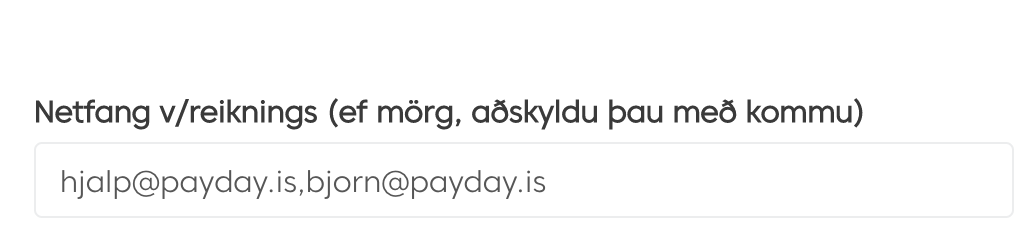
To add another email address to a customer for invoicing, go to Sales > Customers, select the customer, and in the "Email for invoices" field, enter the other email address separated by a comma.
To add another email address to a customer for invoicing, go to Sales > Customers, select the customer, and in the "Email for invoices" field, enter the other email address separated by a comma.