
Cancel a claim and/or mark as paid
You can cancel a claim associated with an invoice by going to the invoice in Payday and selecting "Cancel claim" under the Actions tab. This action cancels the claim in your customer's online bank, but the invoice itself remains.
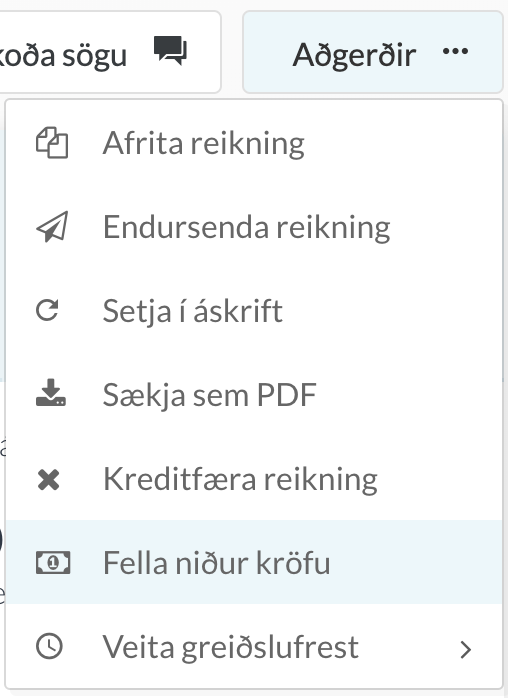
If the invoice was, for example, paid via bank transfer, you can manually mark the invoice as paid after the claim has been cancelled (Actions > Mark as paid).
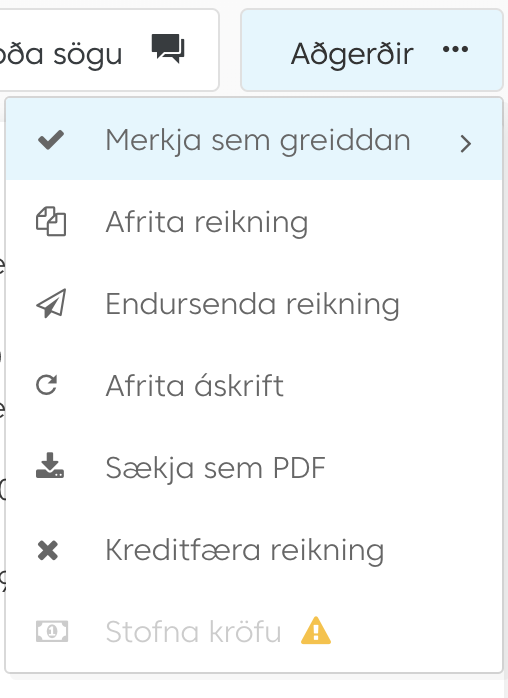
If you need to cancel the invoice itself, you must credit it. Follow these instructions here.
If a claim is paid, it can take up to 24 hours for the invoice to be automatically marked as paid.