
Credit an invoice
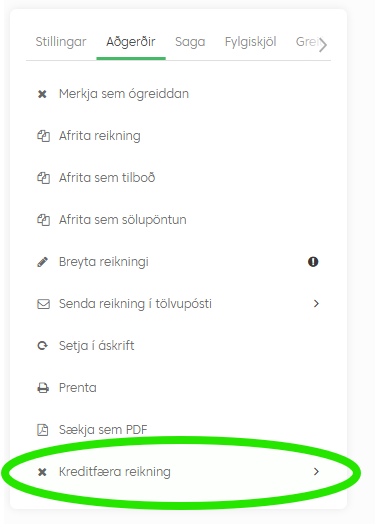
Once an invoice has been created, it is assigned a unique number and cannot be deleted. If an invoice is incorrect, for example, it must be credited. This is done by opening the invoice in Payday and selecting "Credit invoice" under the Actions tab. If there is a claim associated with the invoice, it is cancelled at the same time the invoice is credited.
This action creates a credit note (negative invoice) against the original invoice, and the status of the original invoice changes to "Credited".
You can also credit an invoice by choosing to copy the invoice and changing the signs on the invoice (putting a minus sign in front of the amount), which will create a credit note.