VAT correction report
If an incorrect VAT report was submitted to the tax authorities, you can send a correction report in Payday.
The user starts by making changes to the report, either by adding invoices or expenses to the correct settlement period.
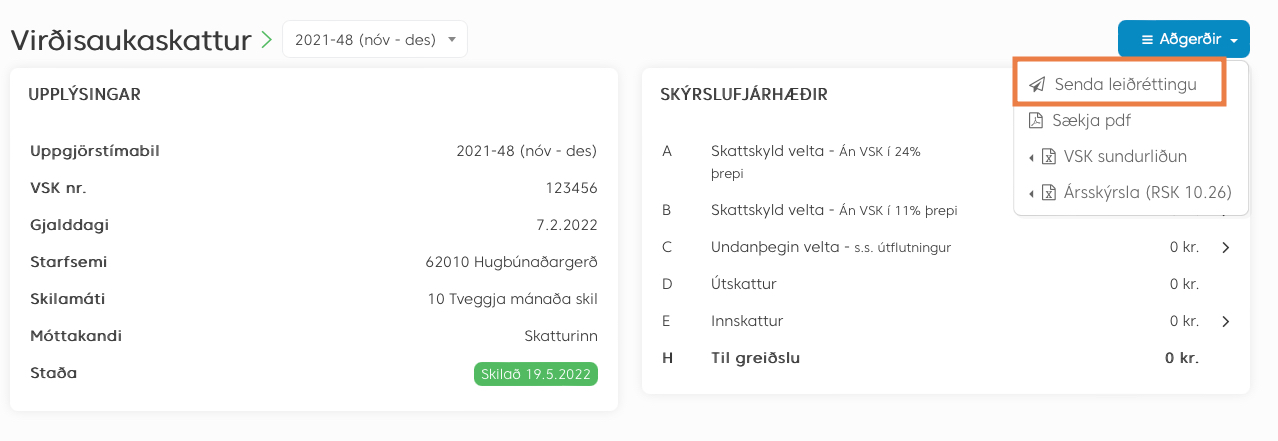
Next, click on Overview -> VAT -> Actions -> Send correction.
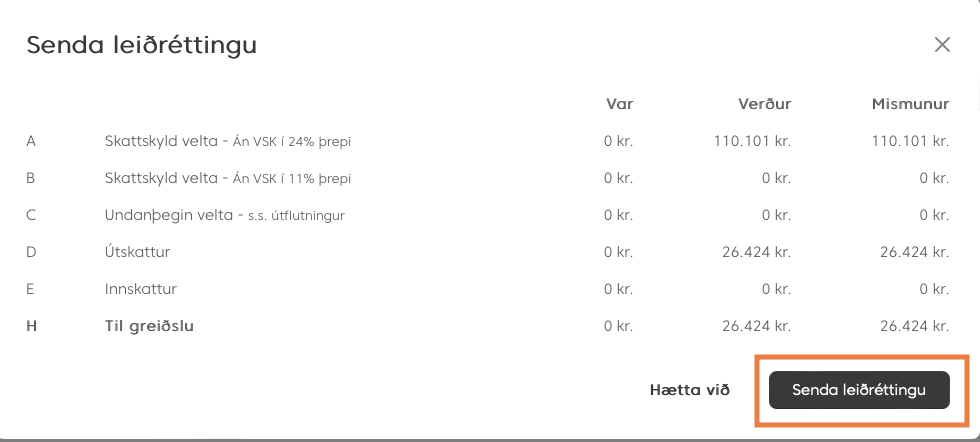
This will display an overview of the VAT report previously sent to the tax authorities, what the new amounts will be, and the difference.
If everything is correct, click Send correction, and the VAT correction report will be submitted to the tax authorities.