Manual VAT return submission
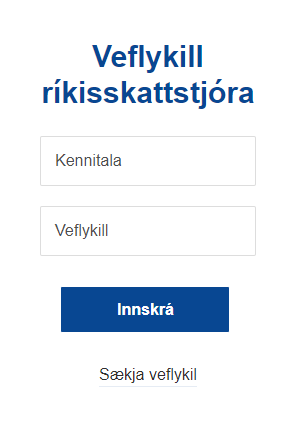
To log in, you need to enter the company's social security number (kennitala) and the VAT web key. You can find it if you have previously saved it in the system under Settings > Company > VAT > VAT web key.
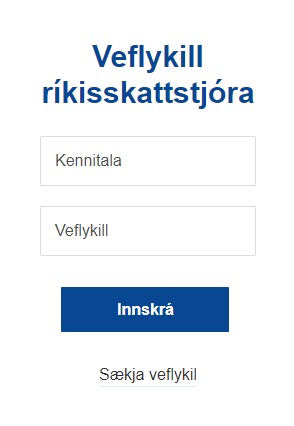
Once you are logged in, click on Vefskil > Skila Skýrslu.
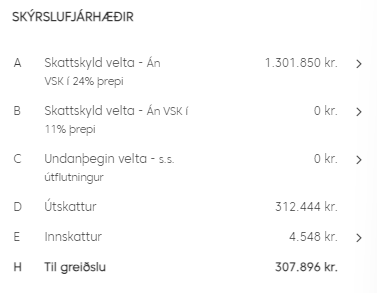
Then fill in the details according to the report in Payday. See here:
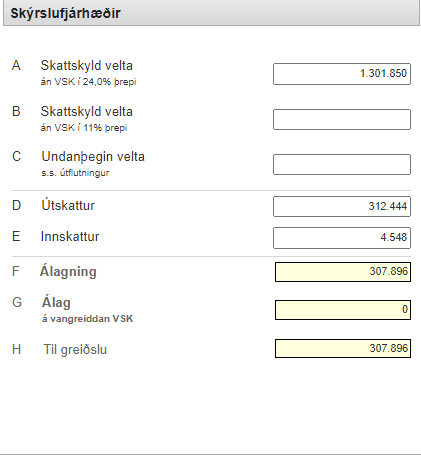
Once you are logged in, click on Vefskil > Skila Skýrslu.
Then fill in the details according to the report in Payday.