
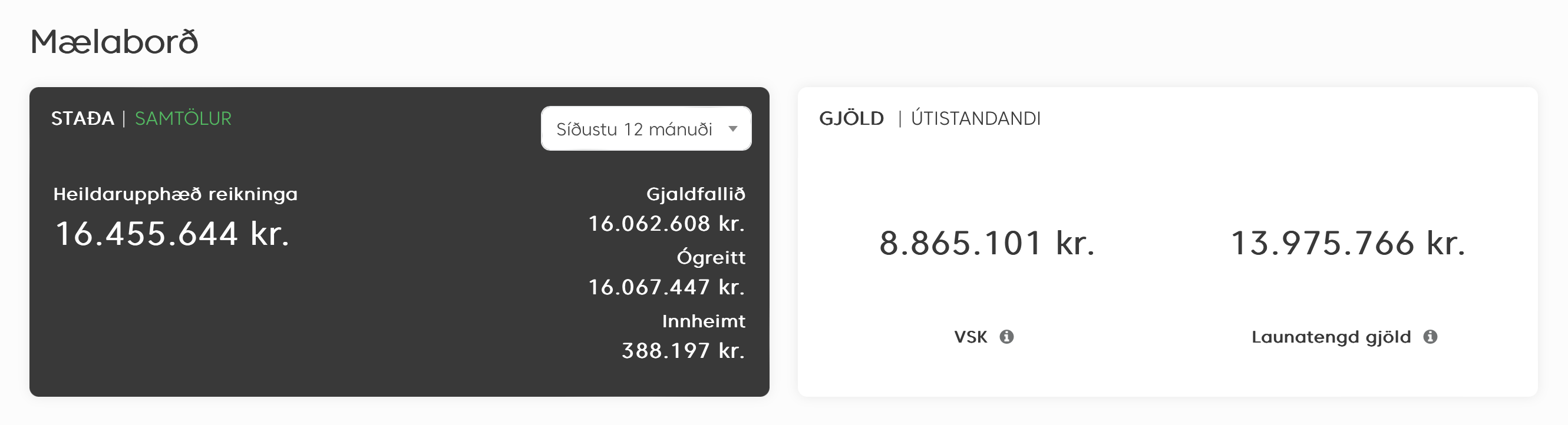
Outstanding VAT on the dashboard
Outstanding VAT on the dashboard basically shows what is unpaid in VAT.
This amount shows the total of all VAT liability accounts at any given time.
Nettur og Þéttur:
In the Nettur and Þéttur subscriptions, the dashboard shows outstanding VAT for the current period
Allur pakkinn:
In Allur pakkinn, the dashboard shows outstanding VAT for all periods.
In that case, a payment for VAT needs to be recorded. There are two ways to do this.
Book payment on VAT settlement:
Reconciliation:
The easiest way to record a VAT payment is through reconciliation. The system automatically suggests matching the VAT payment, and the user only needs to match them together
Journal:
It is also possible to book the payment in a journal. It is then booked as a debit to the VAT settlement account and against the bank account
See more here