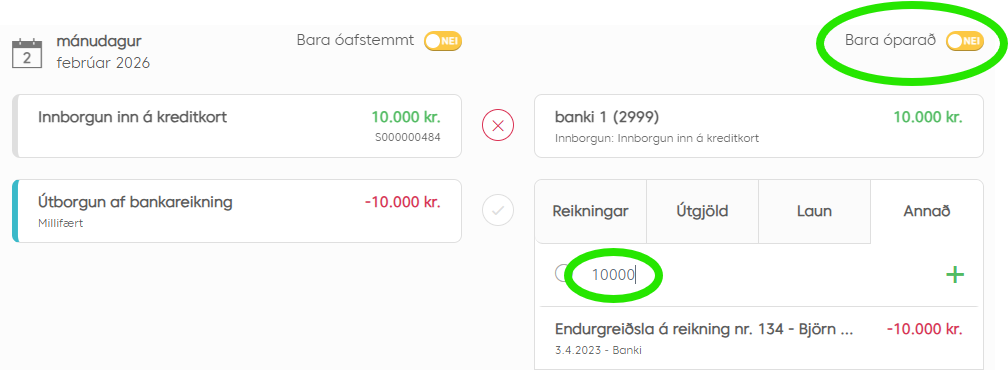
Record a payment to a credit card
When a payment is made to a credit card, one transaction is recorded and the other one is then matched against it.
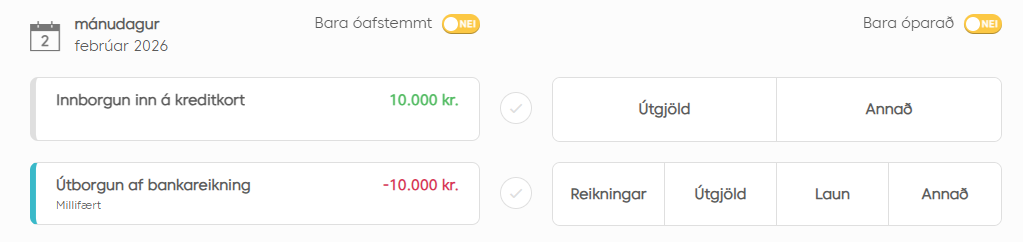
To record the transfer between accounts, click Other > the plus sign and select the offsetting account. In the example below, I clicked Other > the plus sign on the credit card transaction and then selected the ledger account for the bank account. See the example:
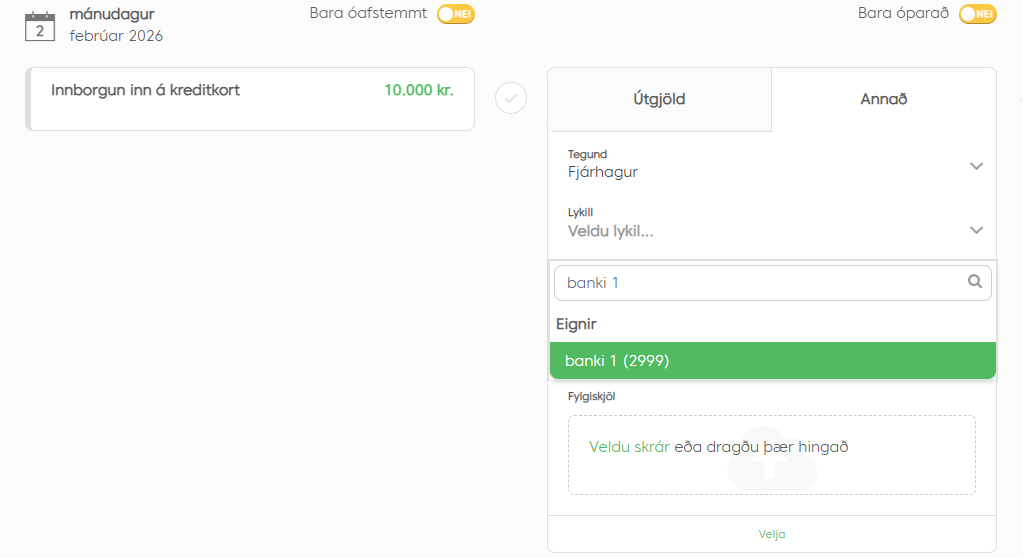
Once that's done, click Select and then match the transaction. Next, to match the other bank transaction: NOTE: it is very important not to have "Unmatched only" ticked, otherwise the transaction will not appear. Then click Other and search by amount. The transaction should appear. Click it and then match the transaction.