Payroll for a subset of employees
If only a portion of employees should receive pay in a payroll run, it is done in this manner.
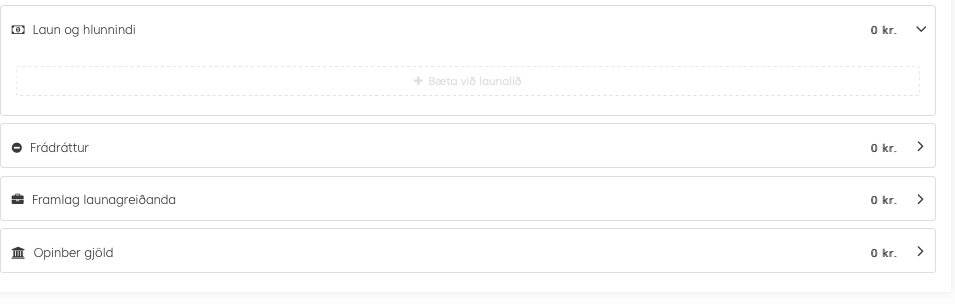
You can delete all payroll items so that they remain blank for the employees who should not receive pay in this payroll run.
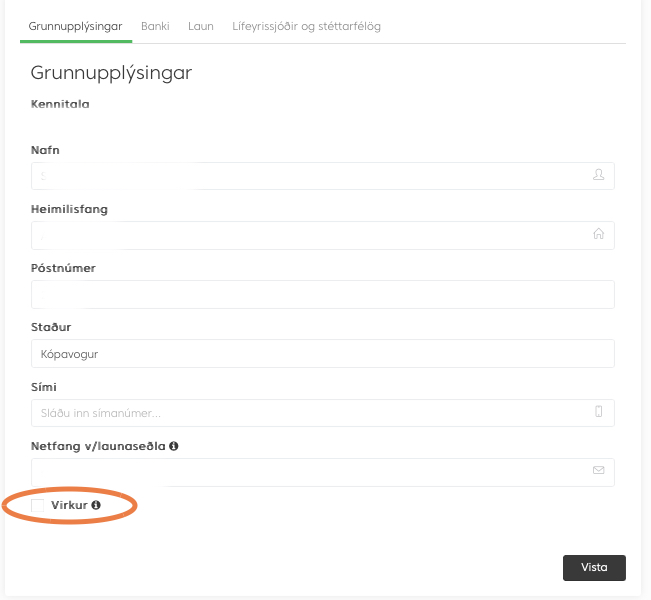
You can also make employees inactive so that they do not appear in the payroll run.
This is done by selecting the employee in question under Settings > Employees and unchecking the "Active" option.