
Open/close a financial year
To open or close a financial year, click Settings > Company > Accounting.
- Note that it is not possible to close the current financial year.
Close a financial year
This closes all postings in the journal for this year, including invoices, payroll runs, reconciliation, and the daybook.
Open a financial year
This opens up all postings in the journal for this year, including invoices, payroll runs, reconciliation, and the daybook.
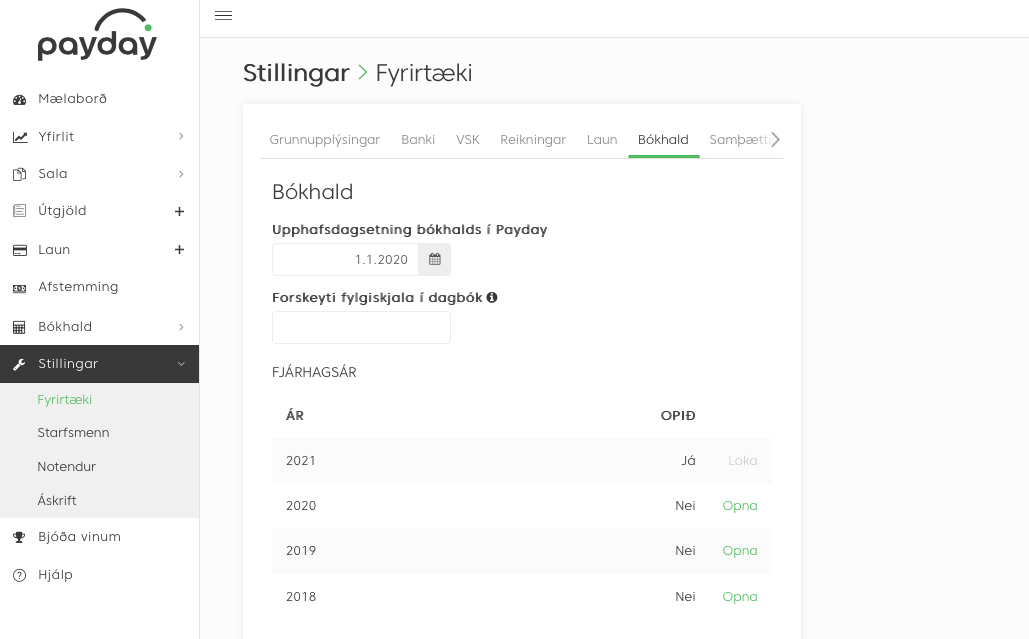
Here you can see how to close a financial year after submitting the tax return and annual accounts: Close a financial year