
Close financial year
Once the tax return and annual financial statements have been submitted, the year must be closed.
Start by zeroing out all income statement accounts and transferring the year's result to retained earnings.
Go to Accounting > Journal and click Actions > Add entry > Close financial year
This action creates a journal entry that zeroes out all income statement accounts and transfers the difference to retained earnings.
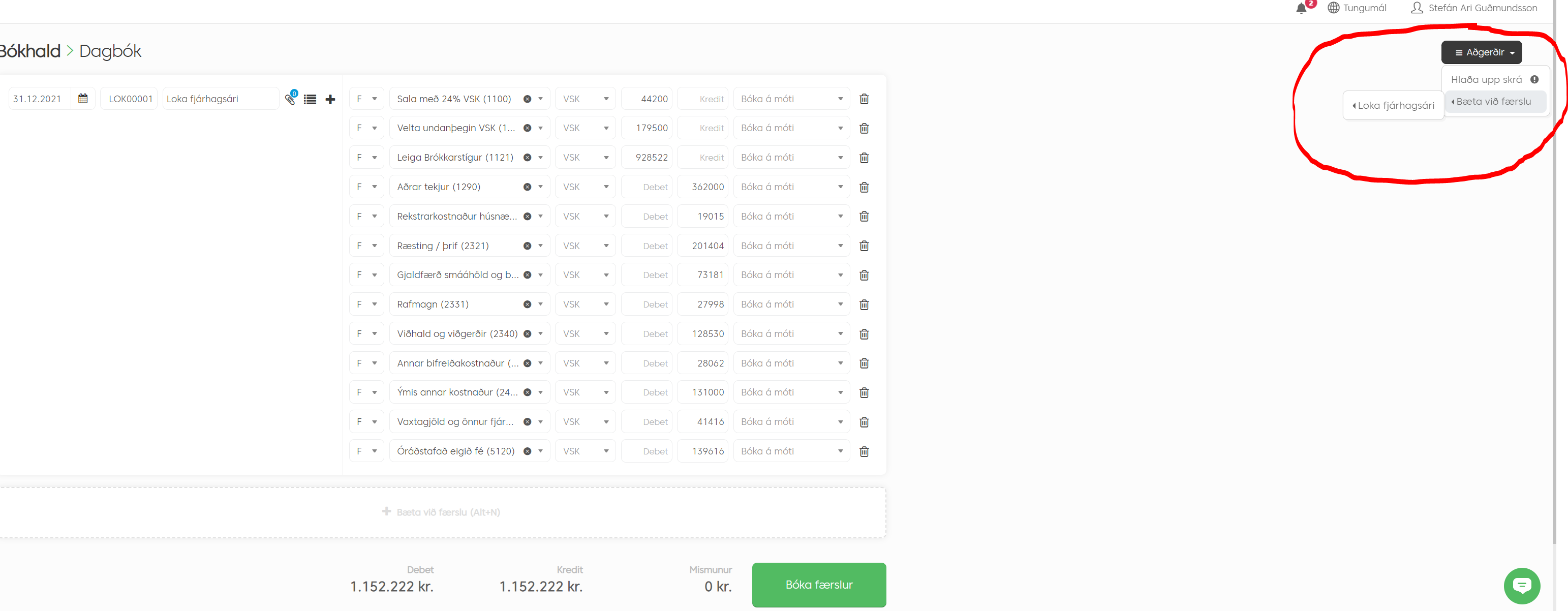
Once the journal has been reconciled against the tax return/annual statements, the journal is posted. Upon posting, the option to post to the respective financial year is closed.
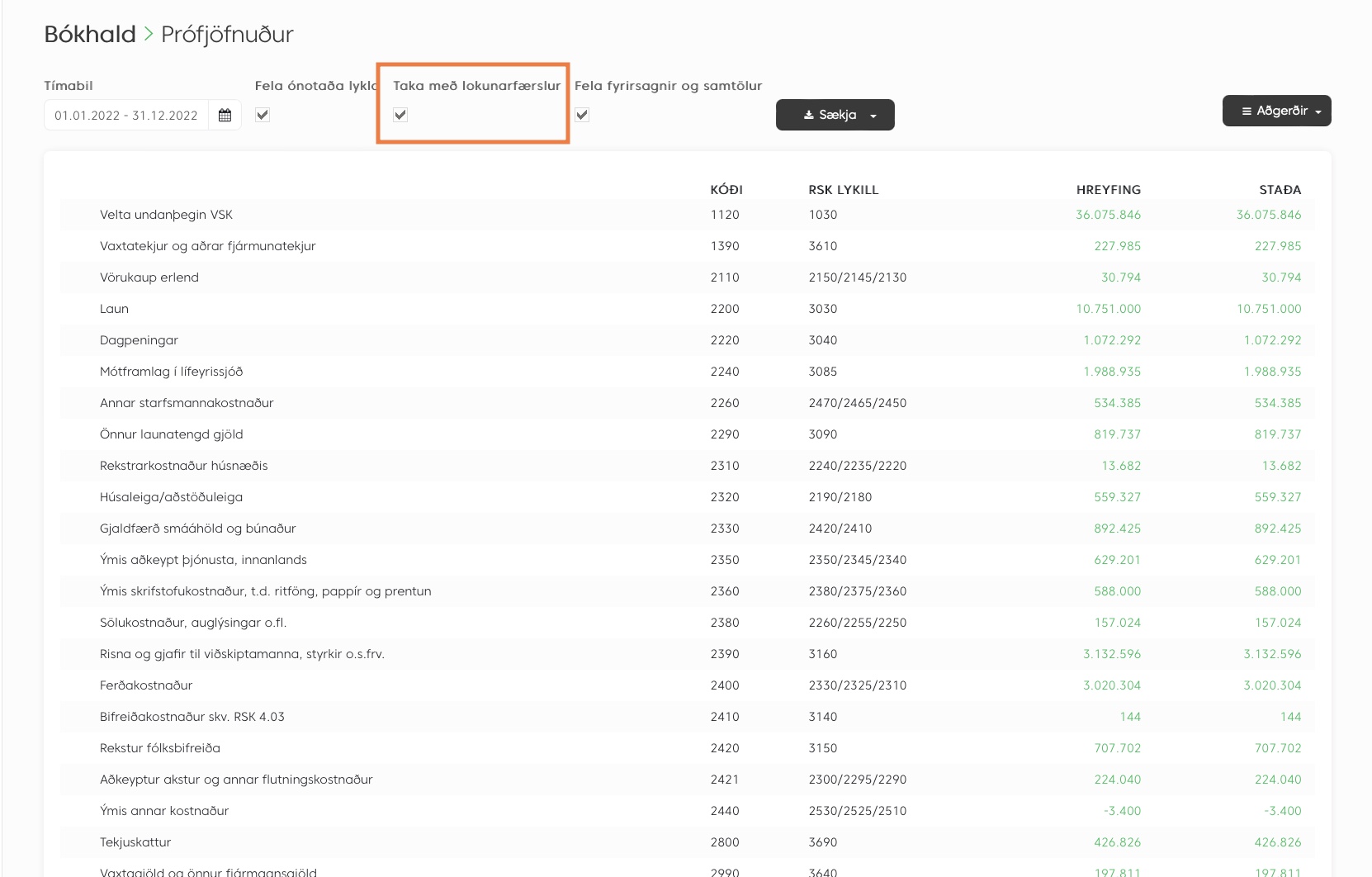
When viewing the trial balance under Accounting->Trial balance, you can check "include closing balances" to get the correct balances at the end of the year.
Information on how to reopen postings for the period can be found here: Open/close financial year