Send/download delivery note
Send delivery note
To send a delivery note by email, click Sales > Sales Orders and click on the relevant sales order.
Next, click Actions.
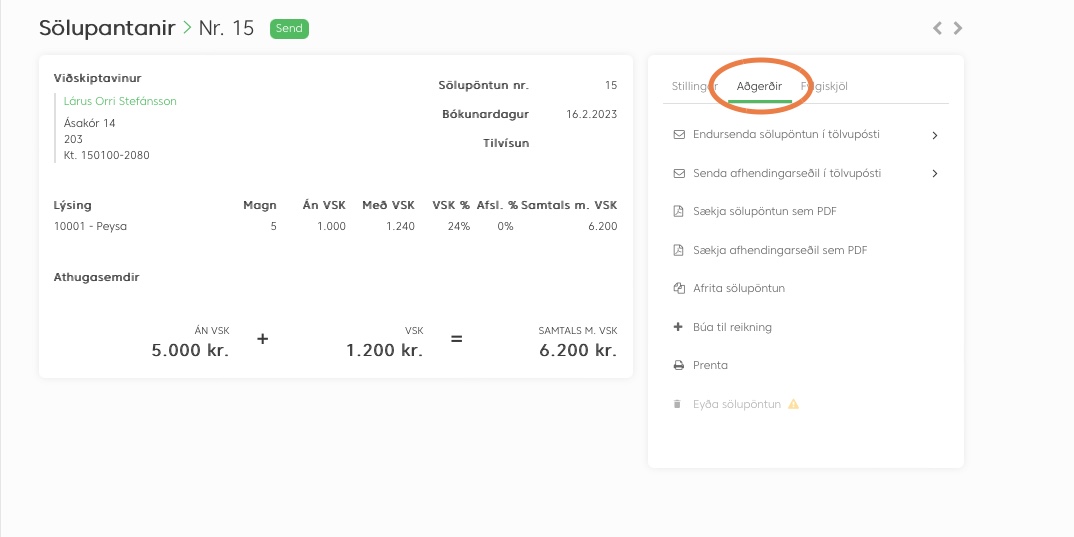
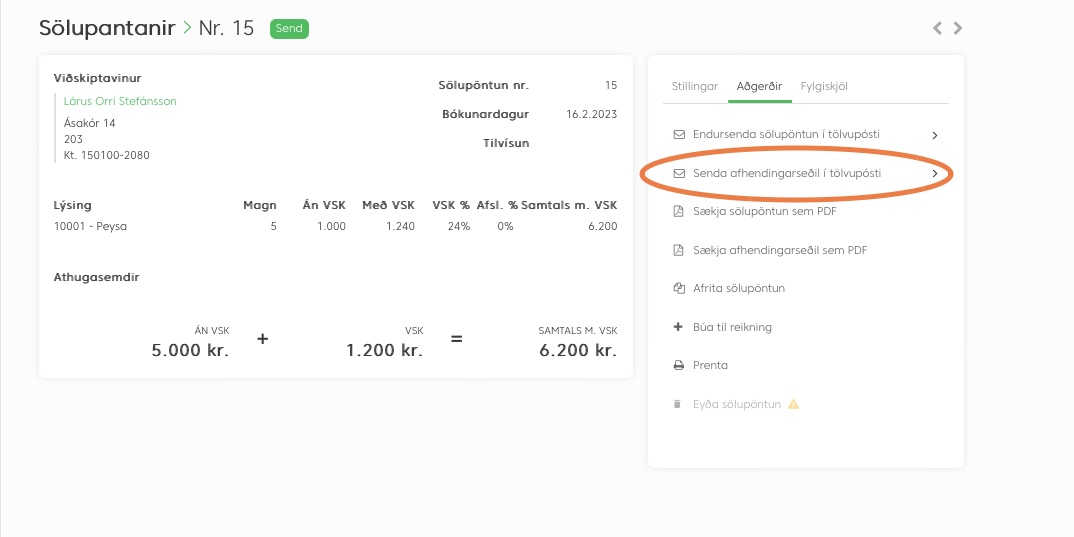
There you will find a button to click "Send delivery note by email"
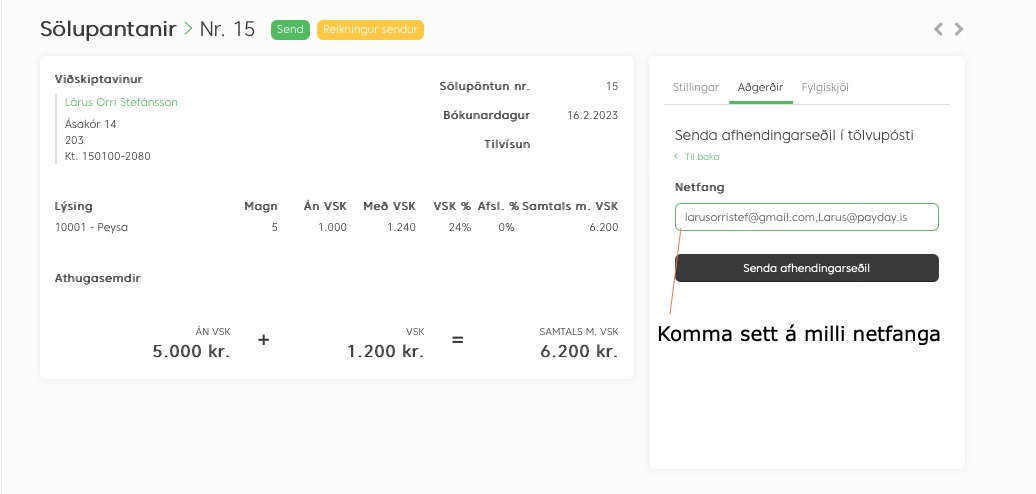
When clicked, enter the customer's email address. If multiple email addresses are needed, separate them with a comma (,).
Then click Send delivery note.
Download delivery note
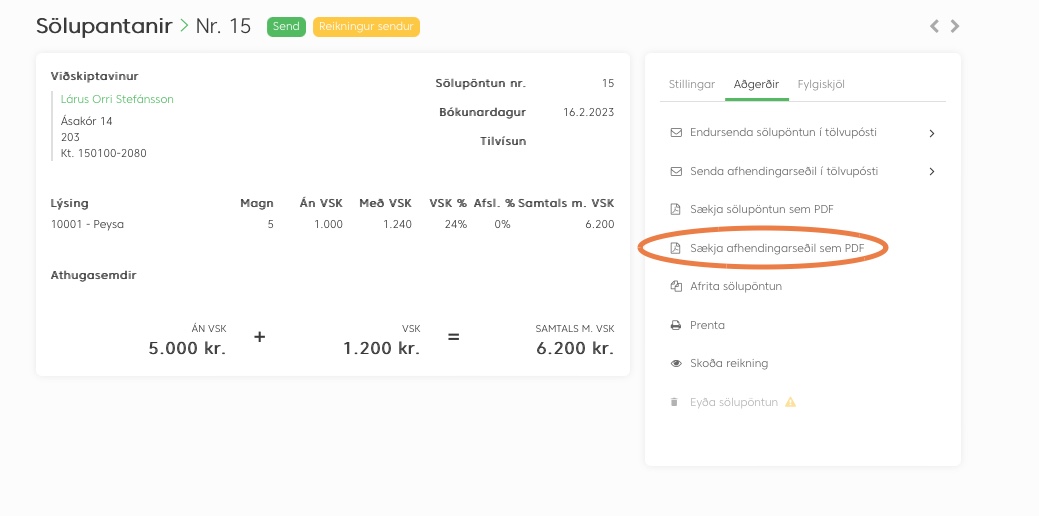
To download a delivery note as a PDF, click Sales > Sales Orders and click on the relevant sales order.
Next, click Actions
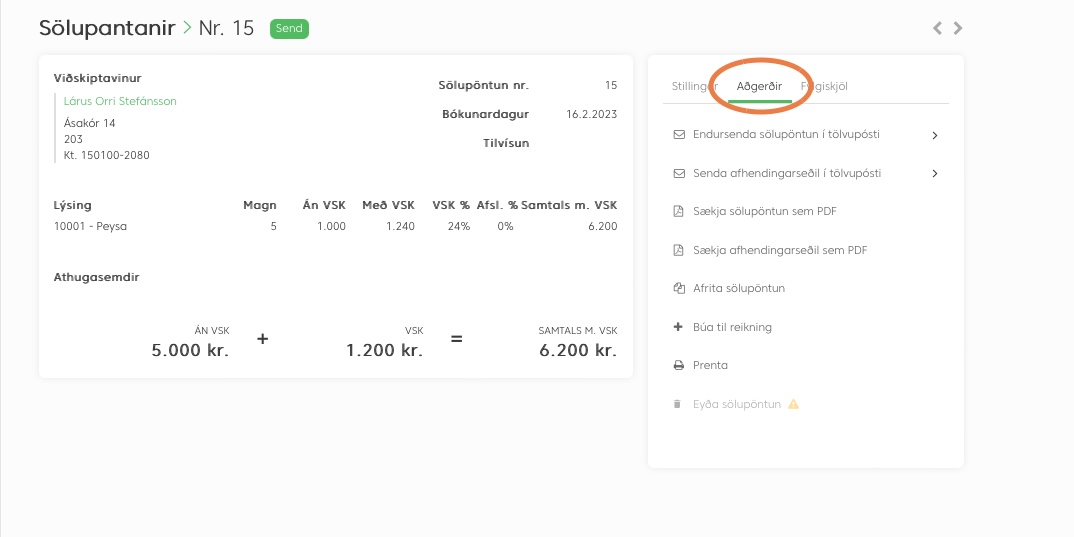
There you will find a button to click "Download delivery note as PDF"