Create a sales order
Create a sales order
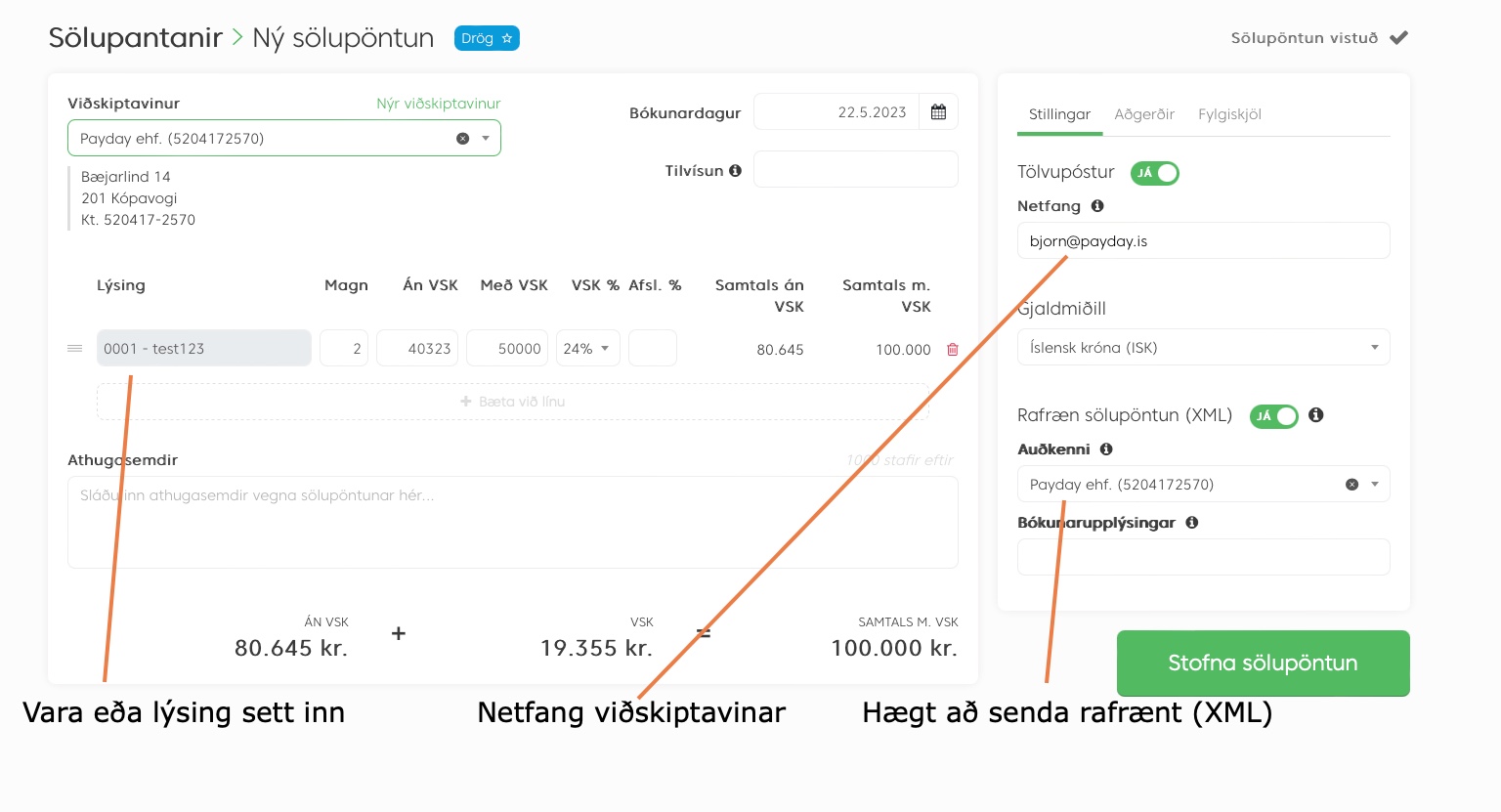
To create a new sales order, click Sales > Sales Orders > New Sales Order.
Select a customer and a posting date.
You can add a product to the sales order or a standard description.
If a product is selected on a sales order and the sales order is sent, the stock quantity of that product is reserved from inventory.
If an invoice is then created from the sales order, the quantity is deducted from inventory.