Integration with Noona
About the Noona integration
Integration with Noona involves setting up the Payday app in Noona.
Key features of the integration:
- Invoices, credit notes, and refunds from Noona are recorded directly into the journal in Payday. Please note that refunds where only a part of the amount is refunded do not transfer to Payday.
Prerequisites for connecting Noona to Payday
- The customer must be subscribed to Allur pakkinn (The Full Package).
Setting up the integration with Noona
- Open Noona: https://hq.noona.app
- Click the drop-down menu in the top right corner.
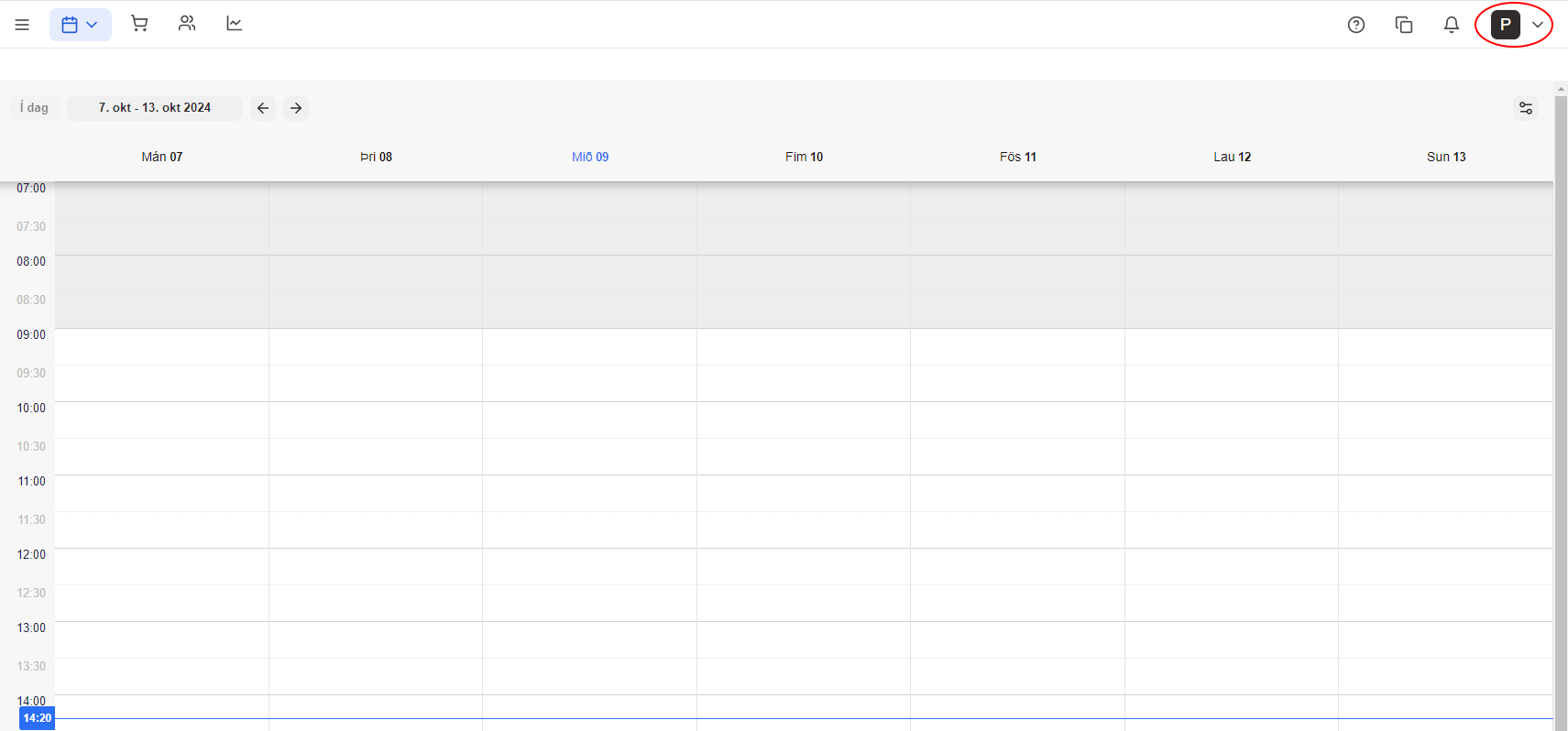
- Click Settings.
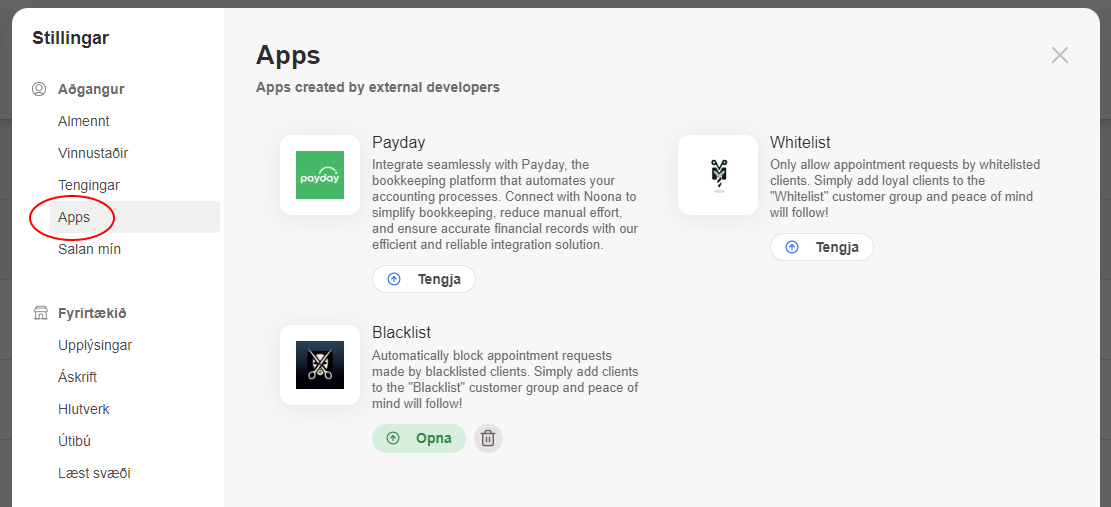
- Under Account, select Apps.
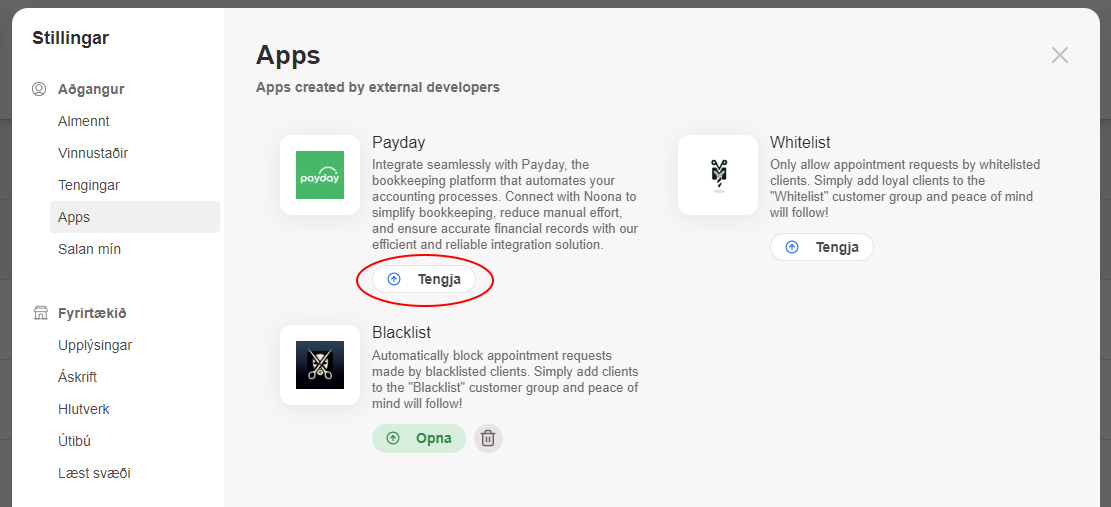
- Find the Payday app and click Install.
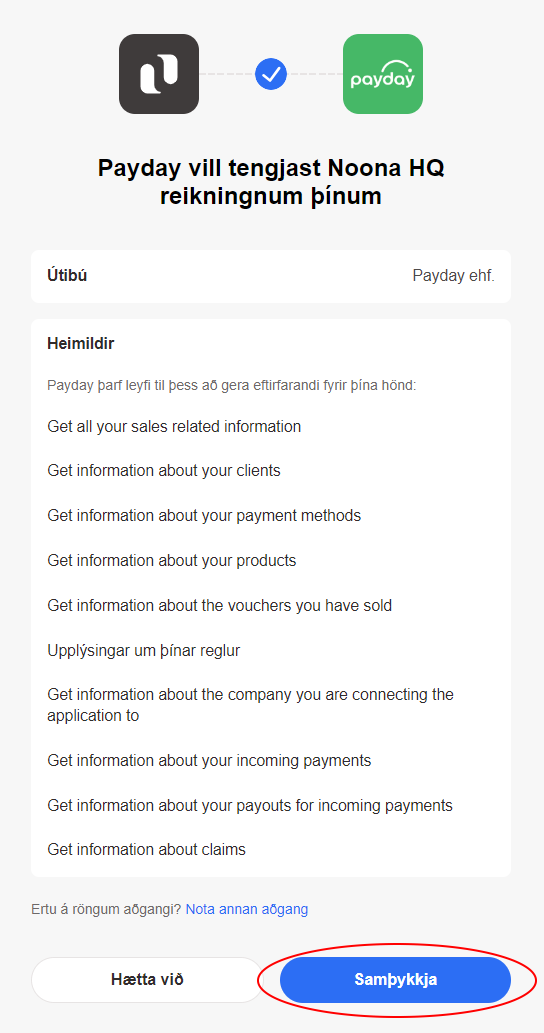
- Grant Payday access by clicking the Approve button.
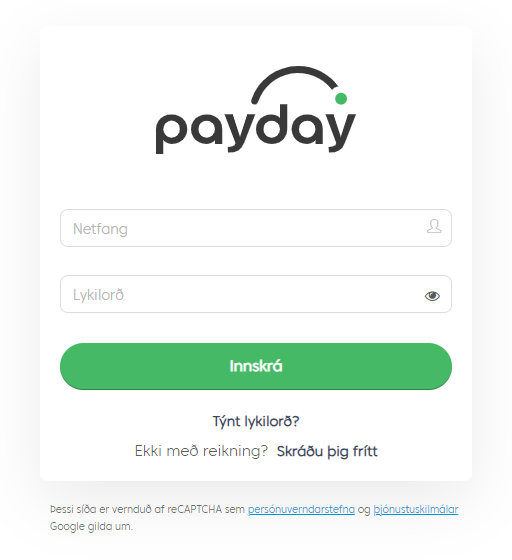
- A new window with Payday should open, and you log in. If you are already logged into Payday, this step is automatically skipped.
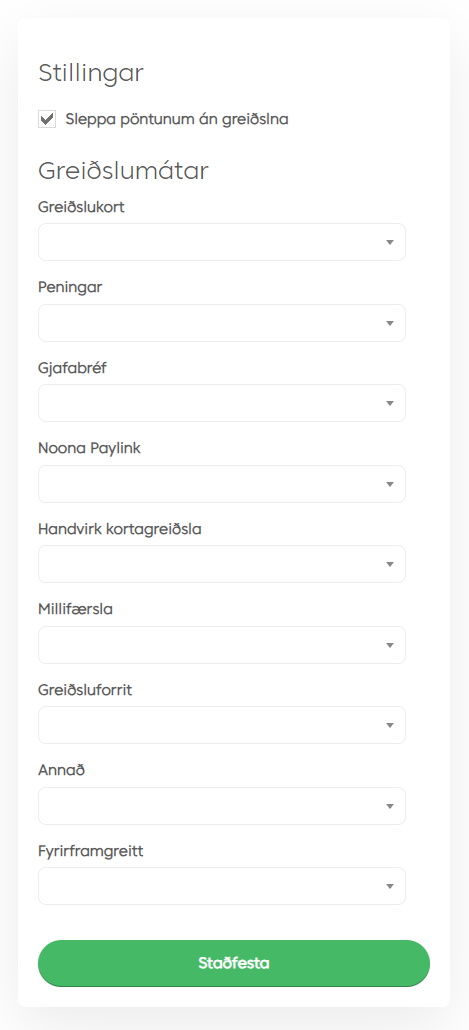
- Next, a window appears where you can configure the Noona integration. All payment methods in Noona must be linked to the ledger accounts where the payments should be posted in Payday. You can always find these settings under Settings > Company > Integrations in Payday. You should find Noona in the list there.
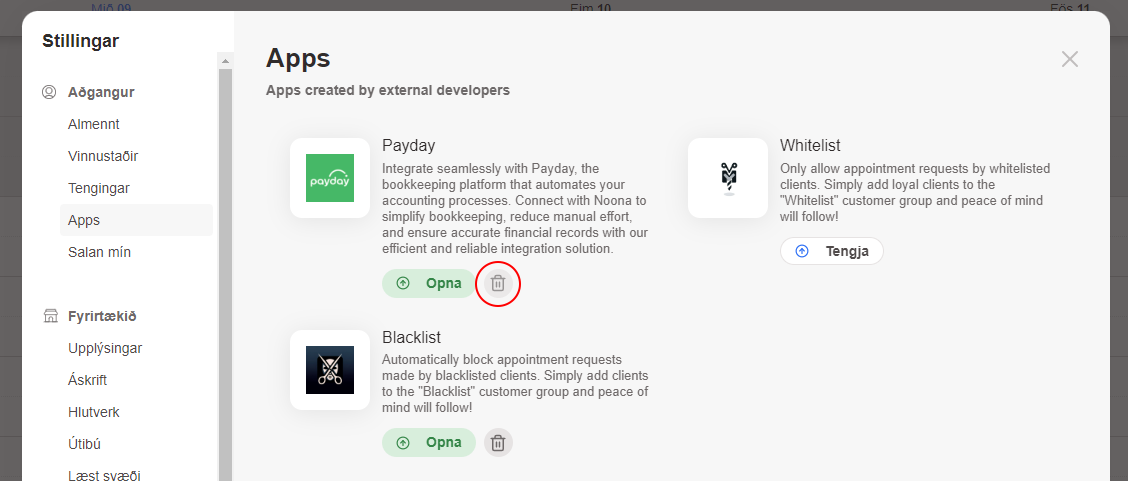
How do I remove the connection to Noona?
You remove the connection to Noona by going to Settings > Account > Apps and clicking the trash can icon next to the Payday app. If there is no trash can icon and it says Install, then the app is no longer connected.