Suppliers general
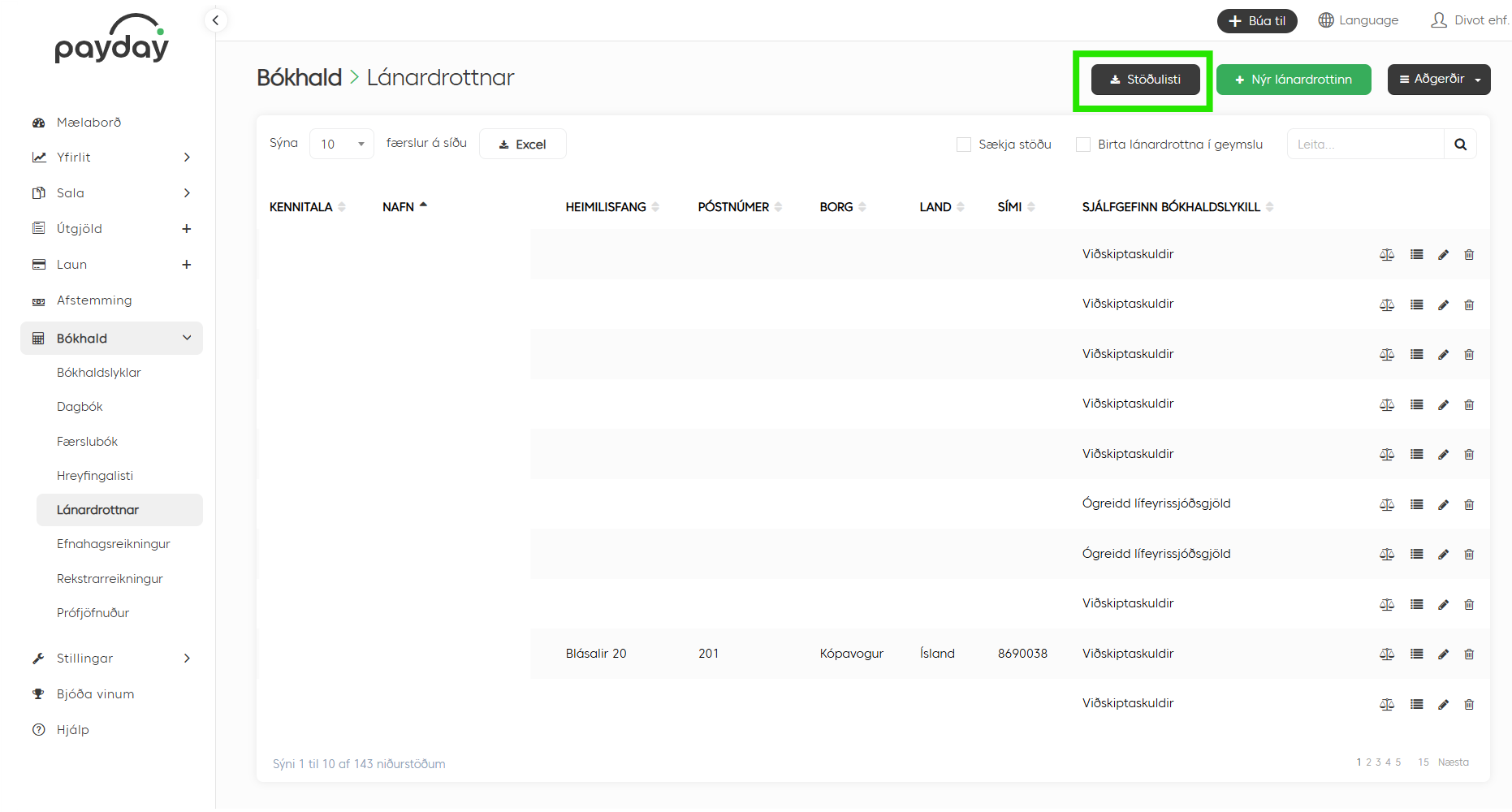
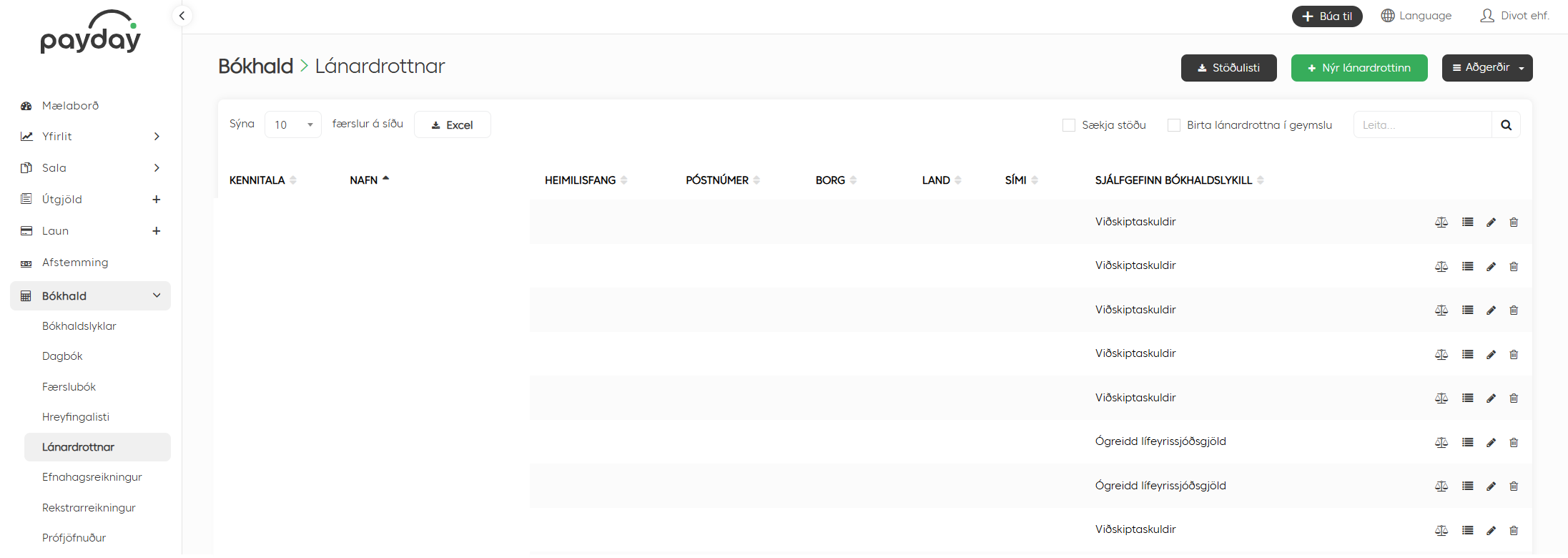
A list of suppliers can be found under Accounting > Suppliers.
Here you will find a list of all suppliers that have been created in the system.
You can create new suppliers by clicking "New supplier".
You can view transactions for each individual supplier by selecting the Excel icon on the right.
#
How do I create a foreign supplier?#
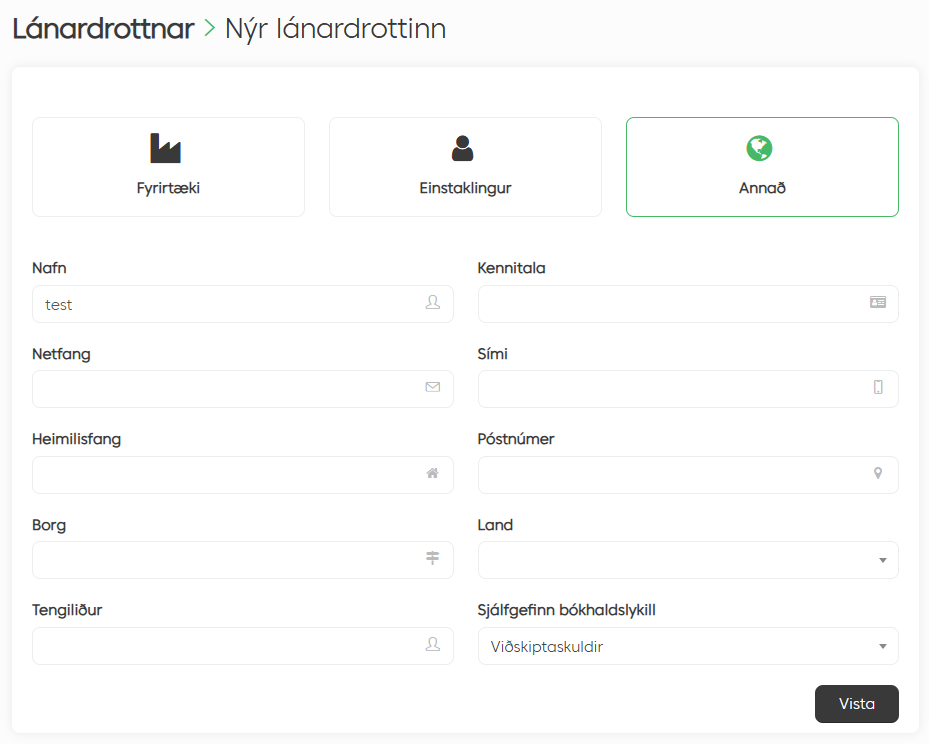
You can create a foreign supplier under Accounting > Suppliers > New supplier.
Then click on Other, and you will not need a company ID number, you can enter the name and then save
 Where can I get a balance list?#
You can get a balance list under Accounting > Suppliers > Balance list