Journal general overview
A journal is used to enter transactions that the system does not post automatically and are not entered through the expenses page. For example, you can enter expenses and their payments through the recommended expenses page or through a journal.
Debits and credits in brief#
Every entry has two sides that balance: debit and credit. "Post against" means selecting the account on the other side, which then automatically posts against what has been selected in the line of the journal entry.
| Account type | Increases with | Decreases with |
|---|---|---|
| Assets (e.g. bank) | Debit | Credit |
| Liabilities | Credit | Debit |
| Expenses | Debit | Credit |
| Revenue | Credit | Debit |
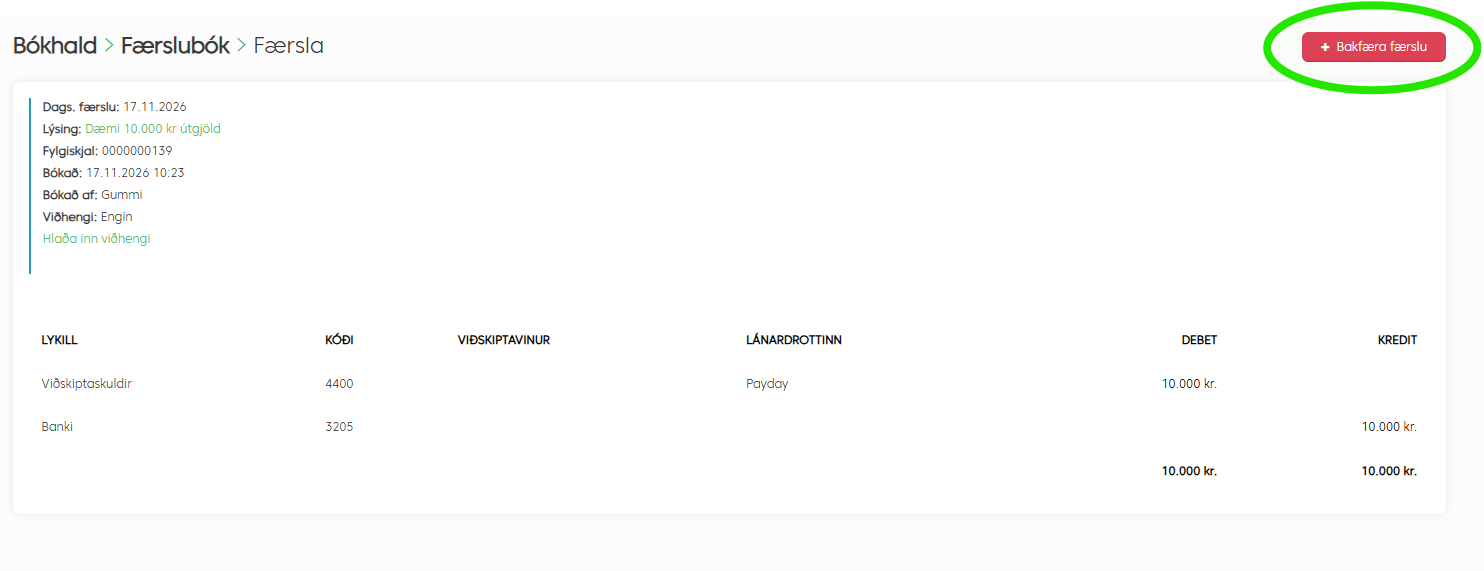
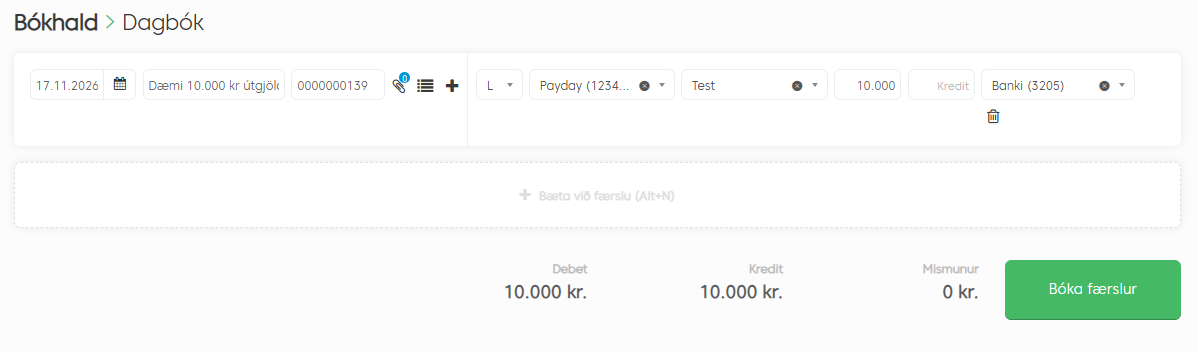
Example: You pay an invoice from a supplier, ISK 10,000, from a bank account.
- Debit: Creditor (liability decreases) ISK 10,000. (Also in the example below, I chose to post to the expense "Test" to record the expenses as paid)
- Credit: Bank account (asset decreases) ISK 10,000.
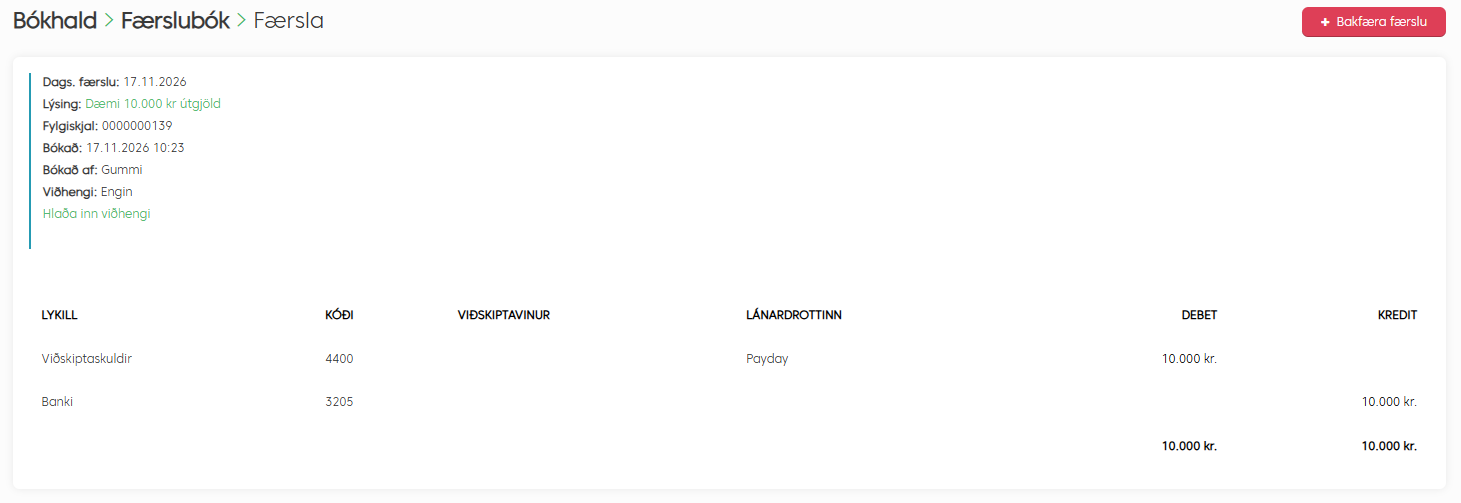
Then you can see how the payment turns out here:
New journal entry#
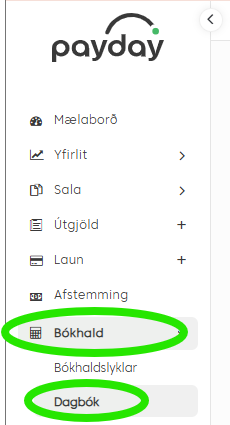
- Go to Accounting > Journal. (If the column does not appear, make sure you have the correct subscription. You can check this under Settings > Subscription)
- Click on + Add entry at the bottom of the page.

- Select date, description, account (you can also change from general ledger to customer or creditor), amount and offsetting account.
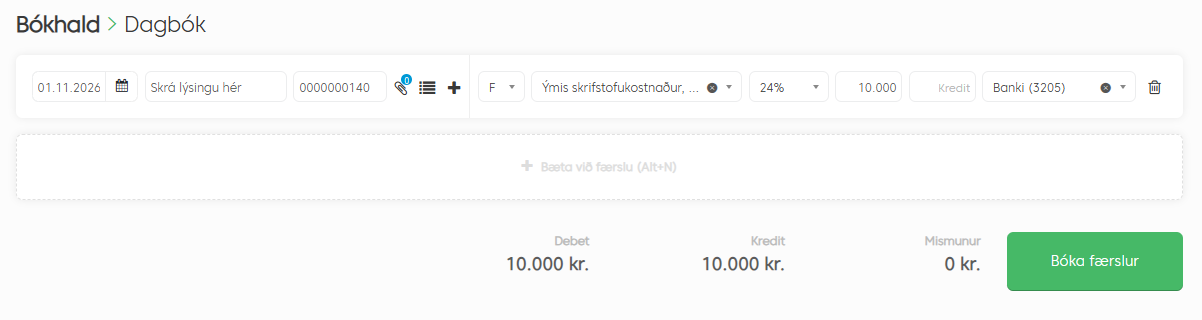
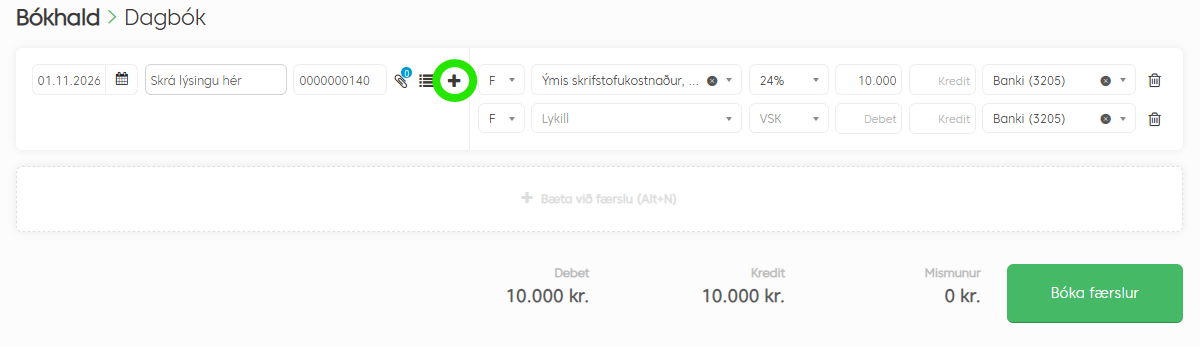
- Add lines with the + icon if the entry has more than two lines.
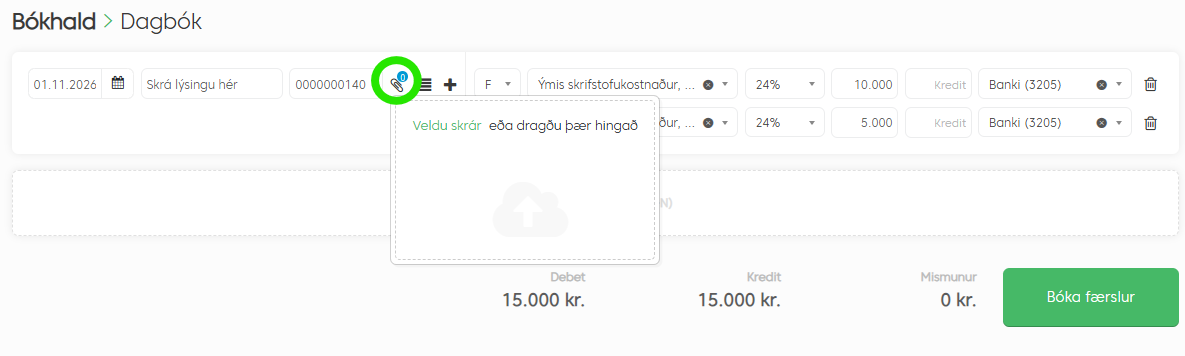
- Attach a document using the paperclip, e.g. an image of an invoice.
- If you think the entry is ready, you can see how it looks by clicking on the 3 lines.
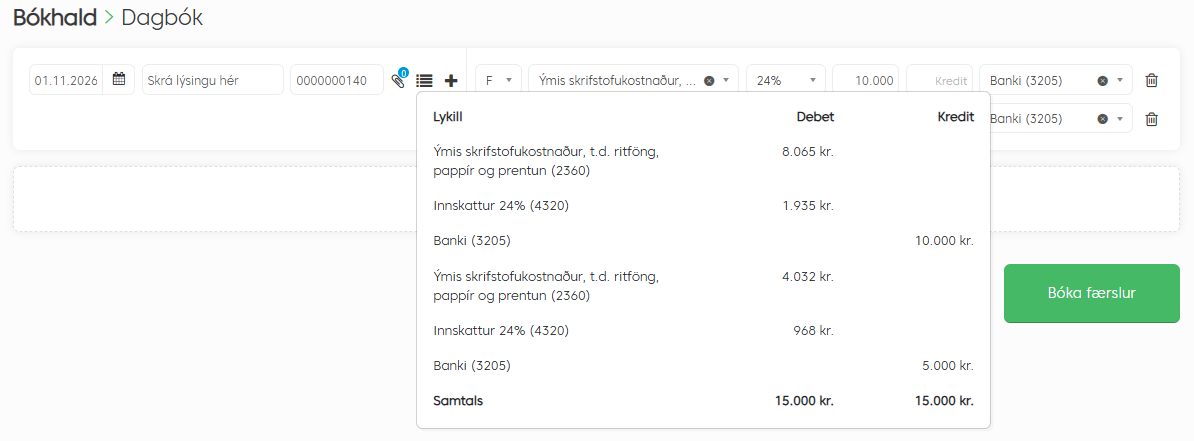
- When everything is ready, you can click on "Post entry"
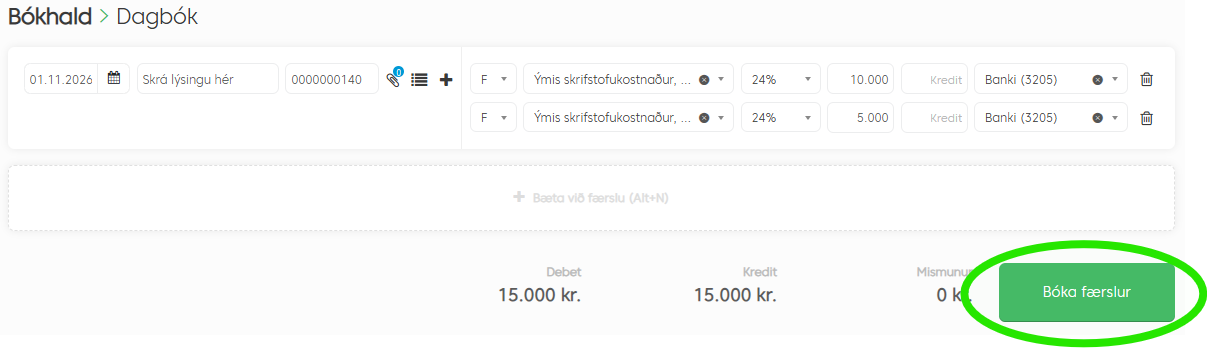
The system assigns a unique entry number to each transaction.
Frequently asked questions#
- Can I start with document no. 1 in a new year? Yes, you can check that option under Settings > Company > Accounting > Check "Start a new number series in a new year" > Then save at the bottom.
- Do entries have to be in chronological order? No, the entries can have different dates in the journal
- How do I reverse an entry? You can reverse an entry by opening the general ledger under accounting > general ledger > search for the entry and click on it > reverse entry