Integration with Kozmoz
Integration between Kozmoz and Payday offers simpler and more efficient workflows.
The connection is set up in just a few seconds and allows users to register products directly from the Payday product catalog into tasks in Kozmoz.
Upon billing, data can be transferred from Kozmoz – such as time registrations, out-of-pocket expenses, and products from stock – directly to Payday. This saves significant time, reduces manual entry, and minimizes the risk of errors, resulting in more accurate and faster invoicing.
Integration enabled#
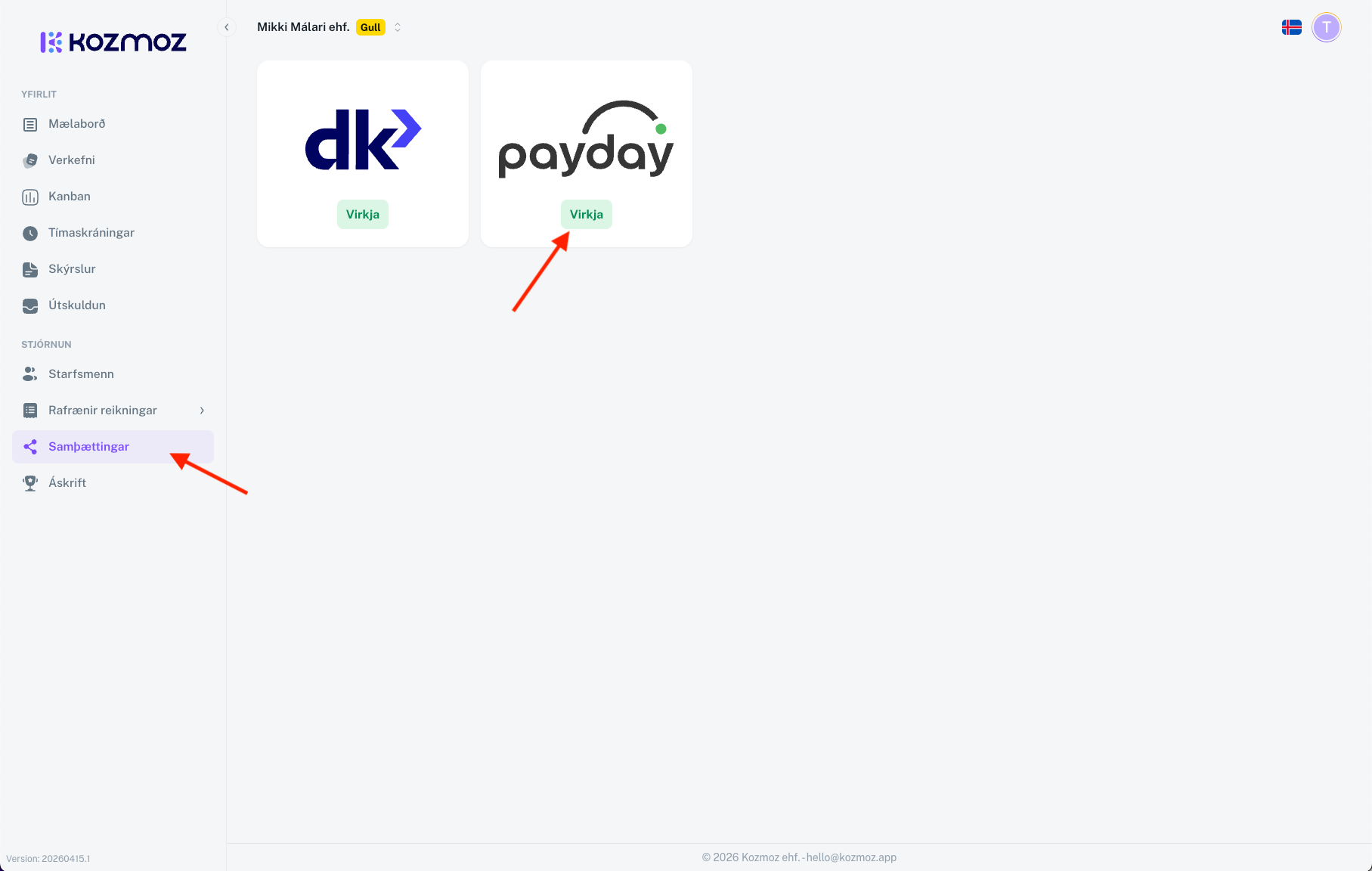
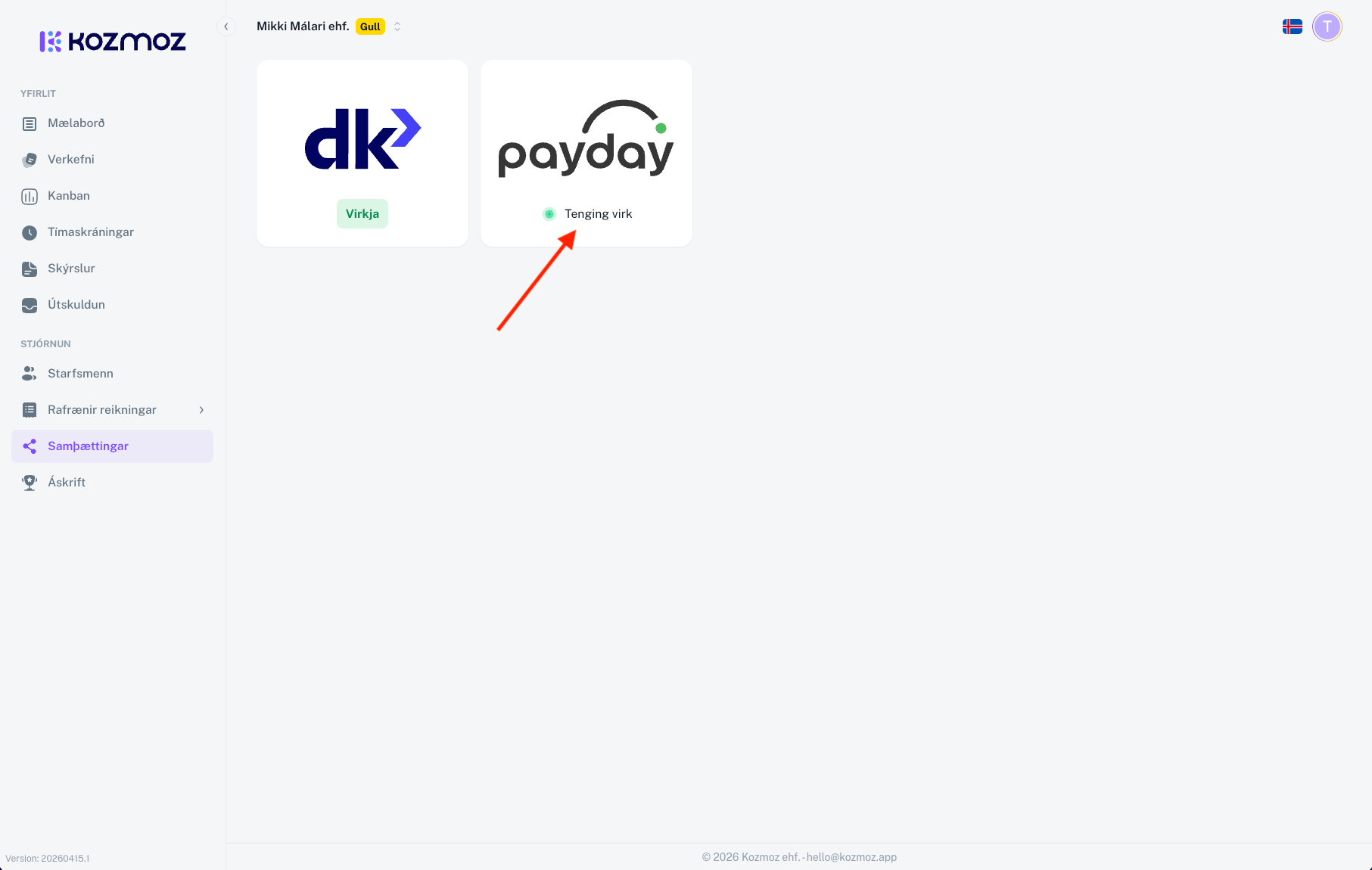
- Inside Kozmoz, click on "Integrations" and then "Enable" under the Payday logo.
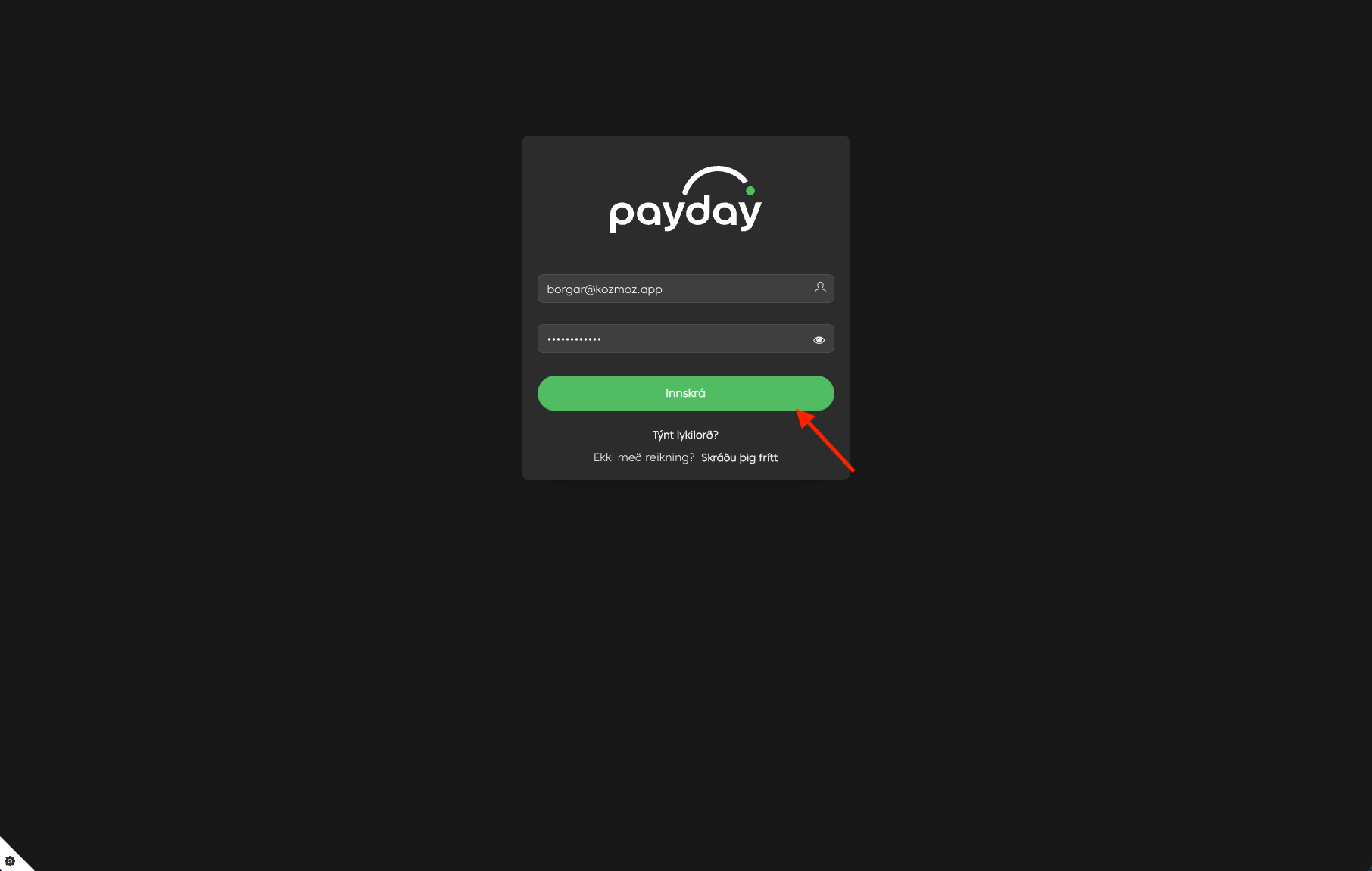
- If the user is not already logged in, authentication with Payday is required here.
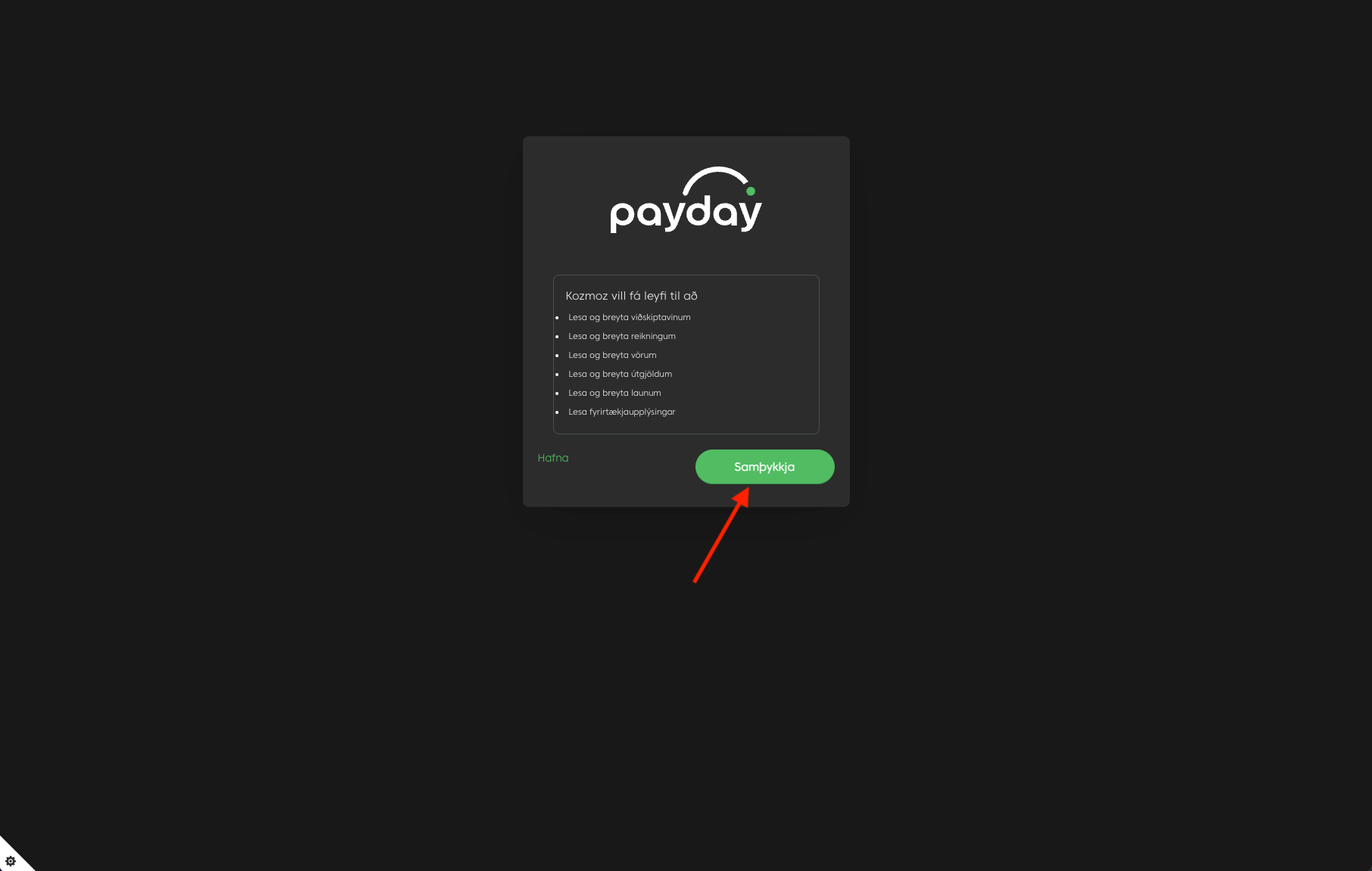
- Confirm the permissions that Payday grants to Kozmoz.
- Integration is now active.
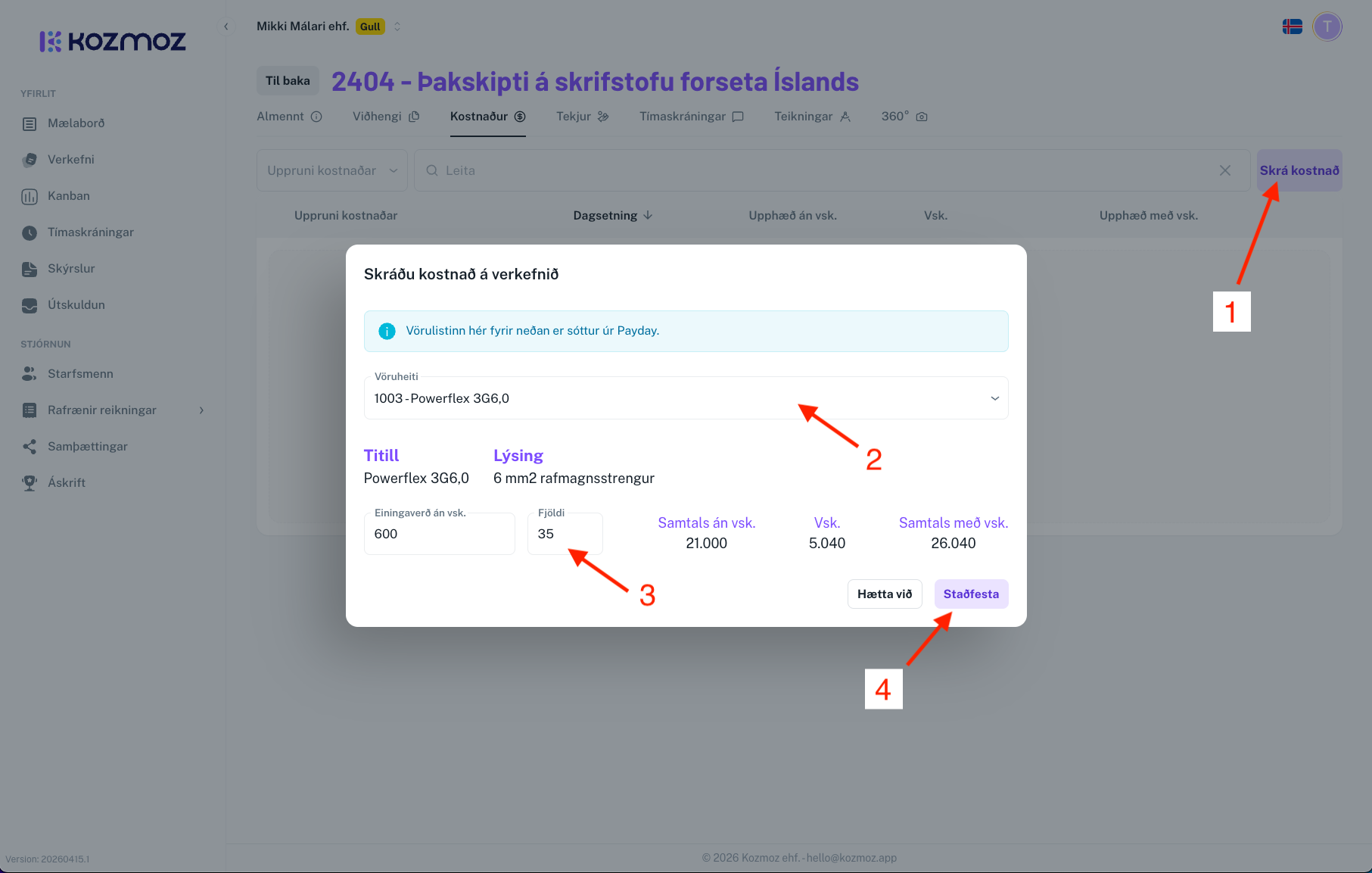
Adding a Payday product to a project in Kozmoz#
- This shows how a product from Payday is added to a project in Kozmoz. This applies, for example, to products from stock managed in Payday, driving, etc.
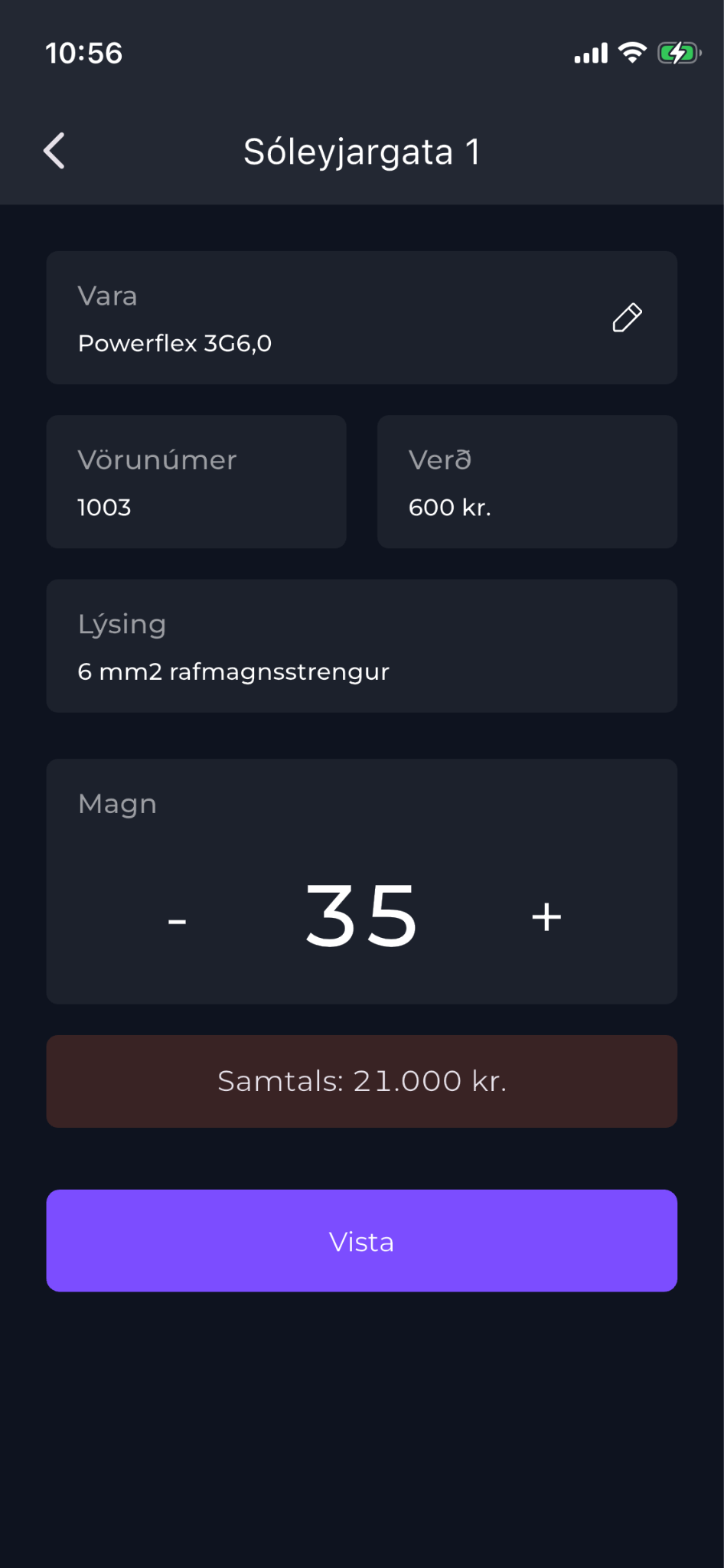
- In the same way, products can be added to projects from the Kozmoz app.
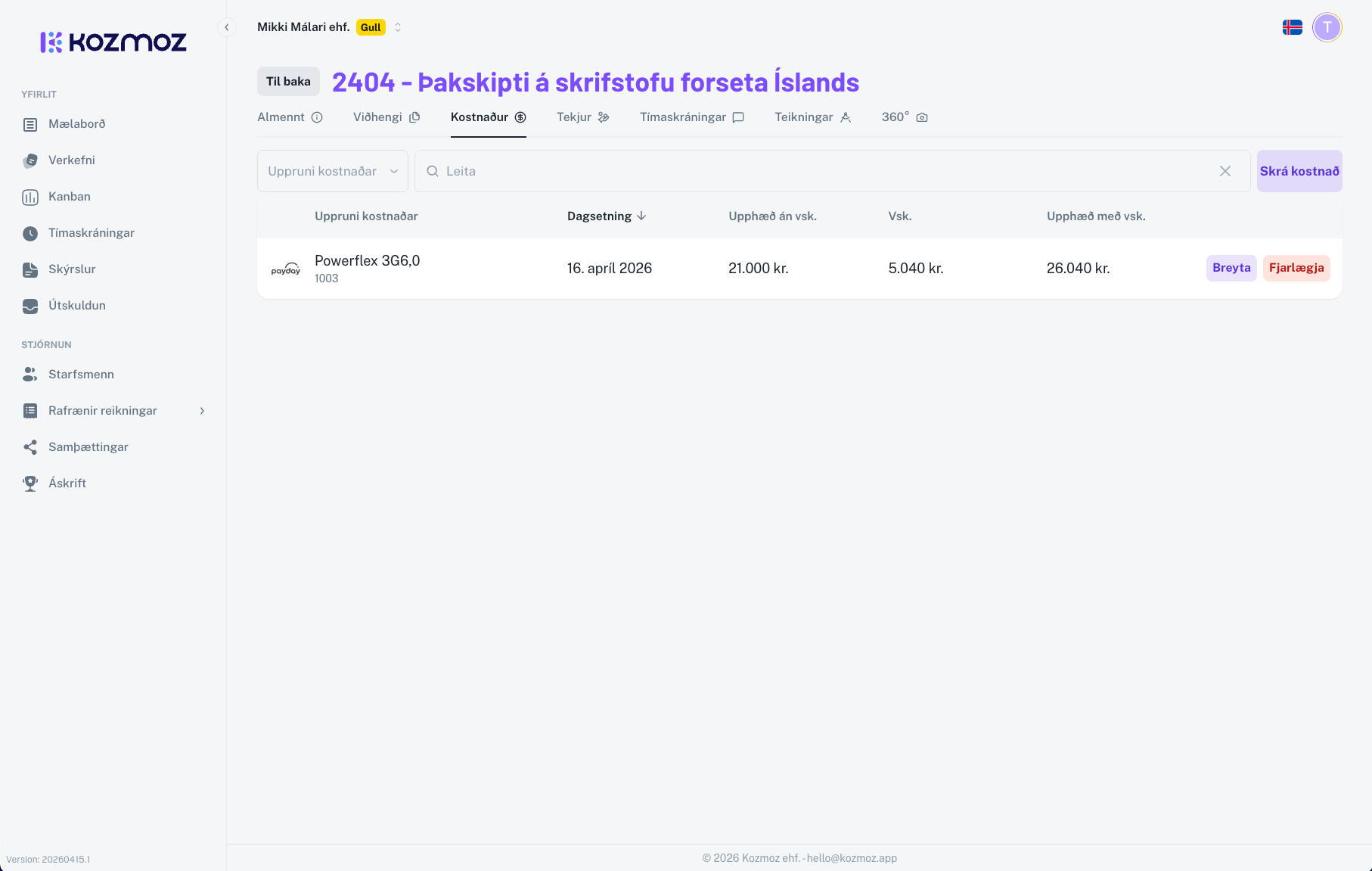
- Payday product registered to a project.
Transferring data from Kozmoz to Payday for billing#
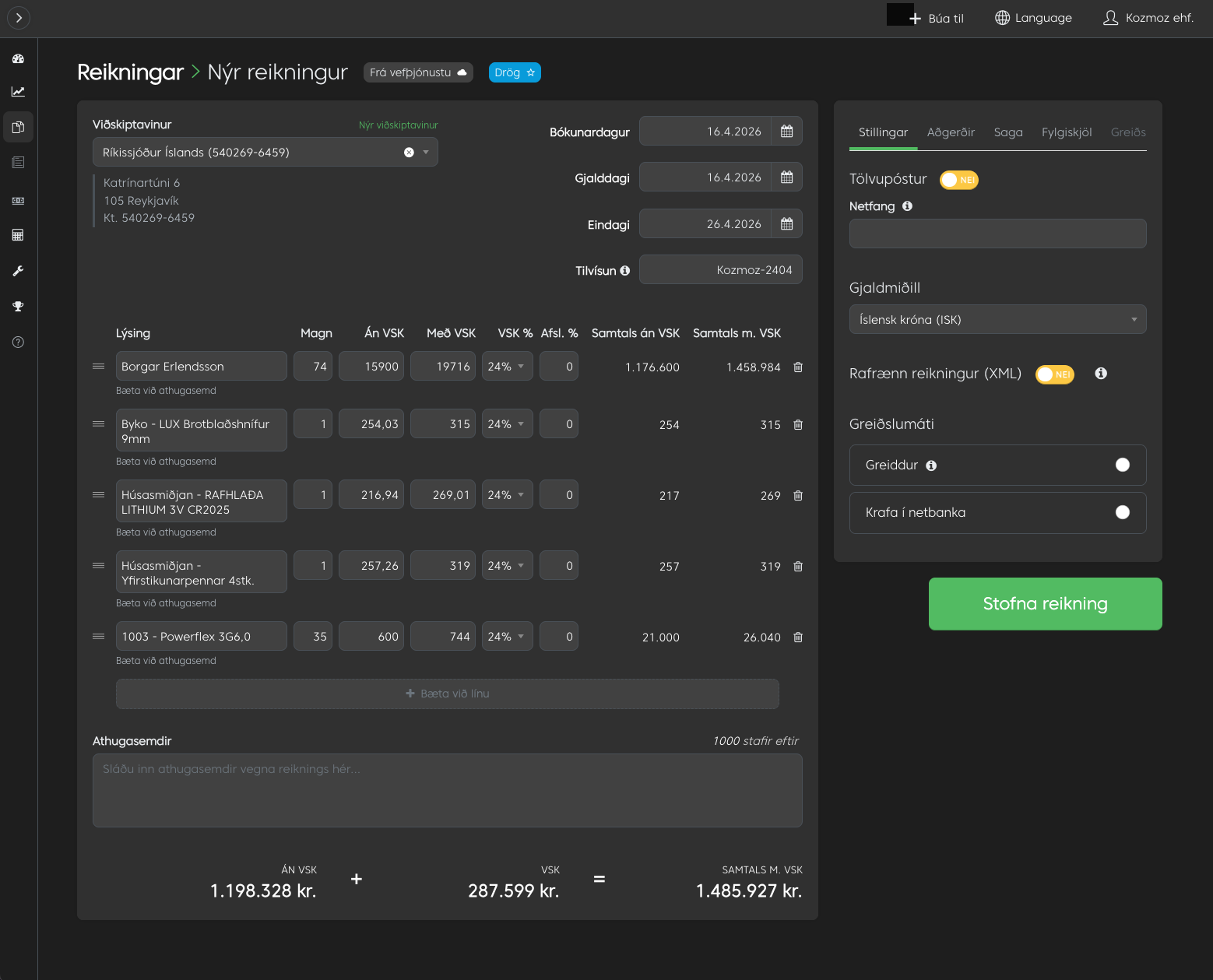
- All data from Kozmoz can be transferred to Payday to form the basis for creating an invoice. The data is divided into 3 categories:
- Working hours
- Purchased materials from electronic invoices linked to the project
- Other costs, such as products from the Payday product catalog
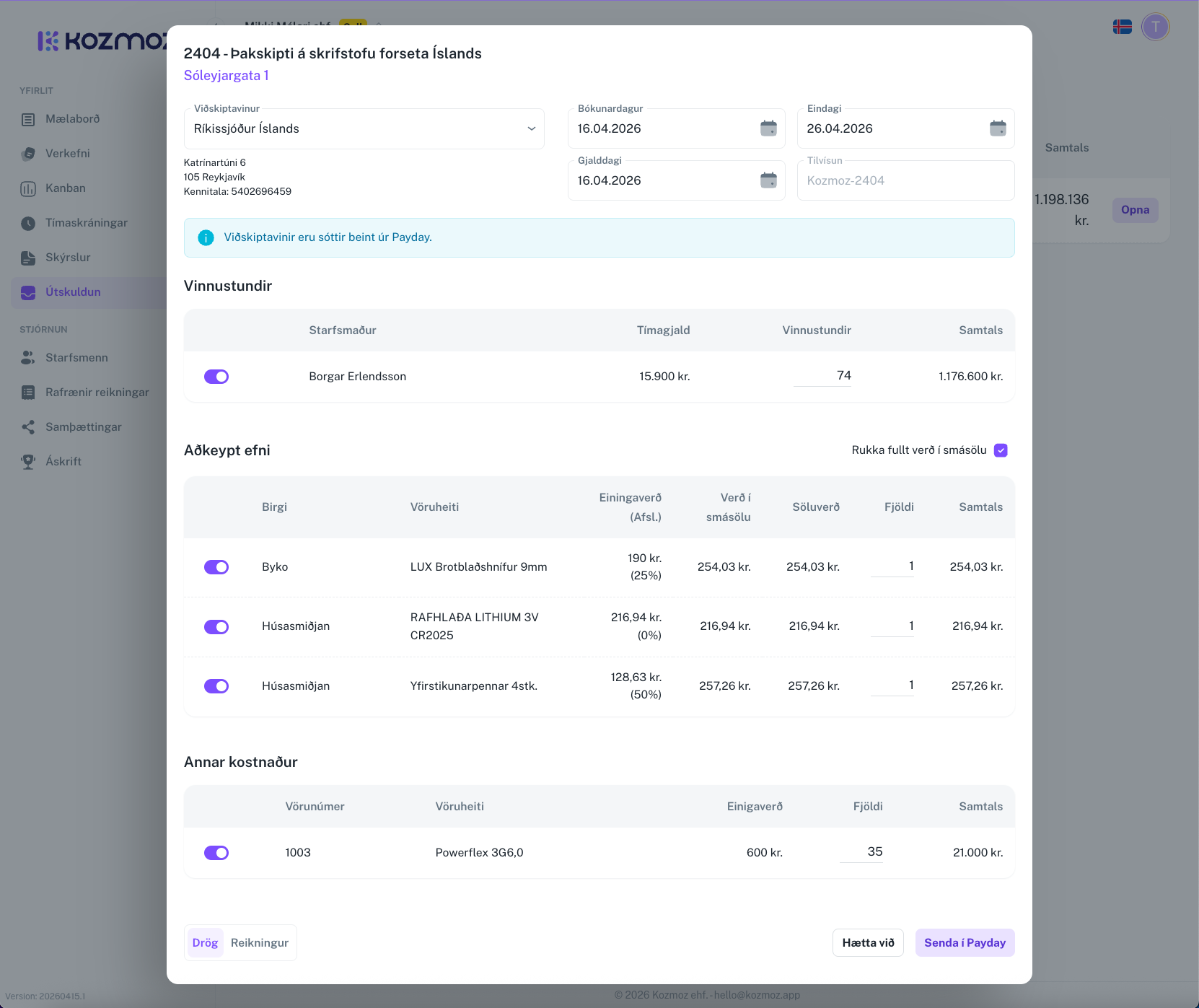
- Draft invoice in Payday