Activate electronic ID
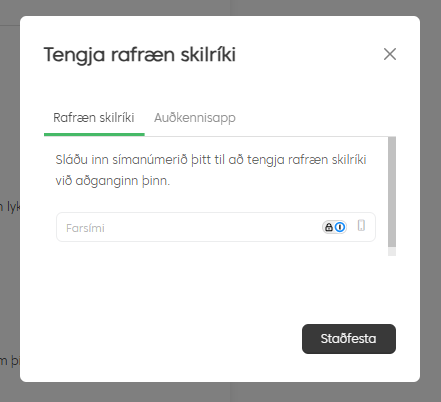
To activate your electronic ID, click on Settings > Users > click on your user. There you can click on Access Settings > Connect electronic ID. 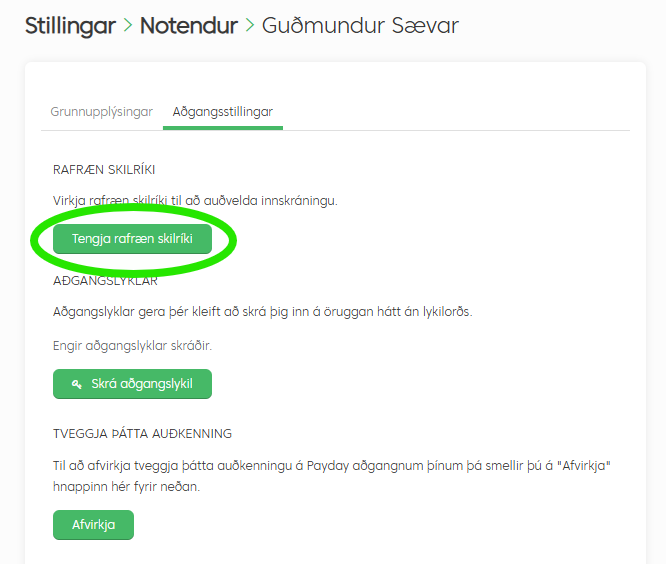 A window should then appear where you can activate your electronic ID. Enter your phone number and then click confirm. You should then be able to approve the electronic ID on your phone.