Reset password
If you need to reset your password, there are two ways to do so.
On one hand, you can click "forgot password" during login.
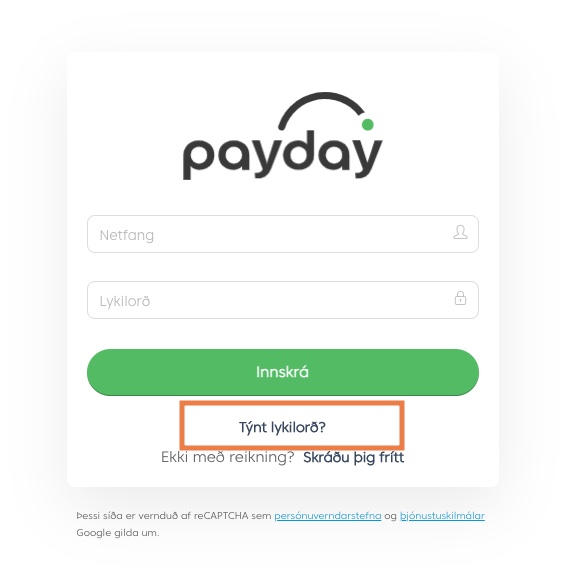 Next, enter the email address registered to the account and click "reset password". You will then receive an email where you can create a new password.
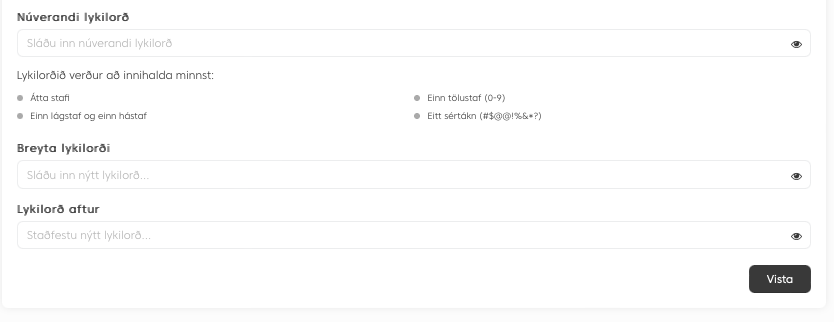
You can also reset your password from within the system. Click on Settings -> Users and click on your user. There you enter your current password and then the new password twice.