How do quotes work?
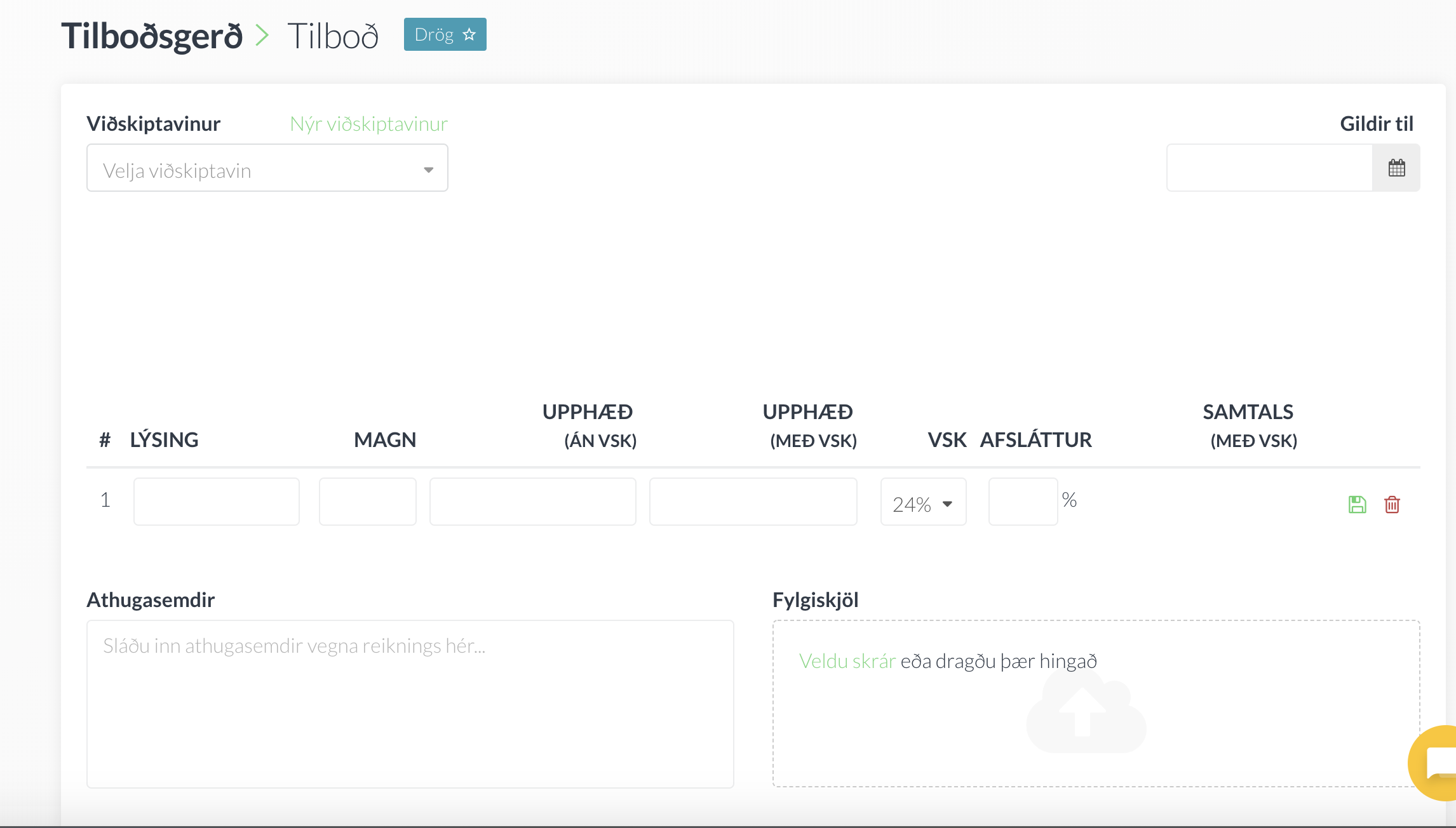
You start by clicking Sales > Quotes > New quote.
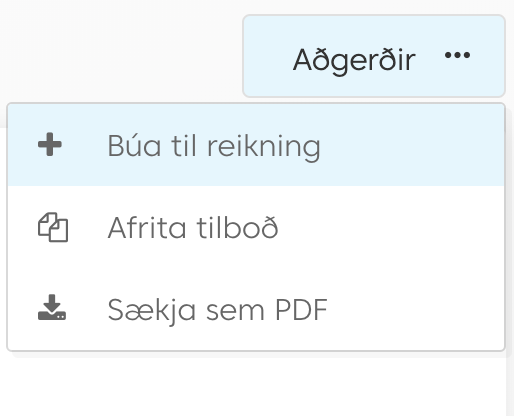
Next, you set up the quote in a similar way to how you set up an invoice and send it to the customer. The customer then receives an email with the quote in a PDF document, where they can accept or reject the quote by clicking the appropriate button inside the email. You can also manually accept the quote yourself if applicable by opening the quote inside Payday and selecting Actions > Accept/reject quote.
If the quote has been accepted, you can easily create an invoice from the quote by opening the quote and selecting "Create invoice" under Actions.