General journal
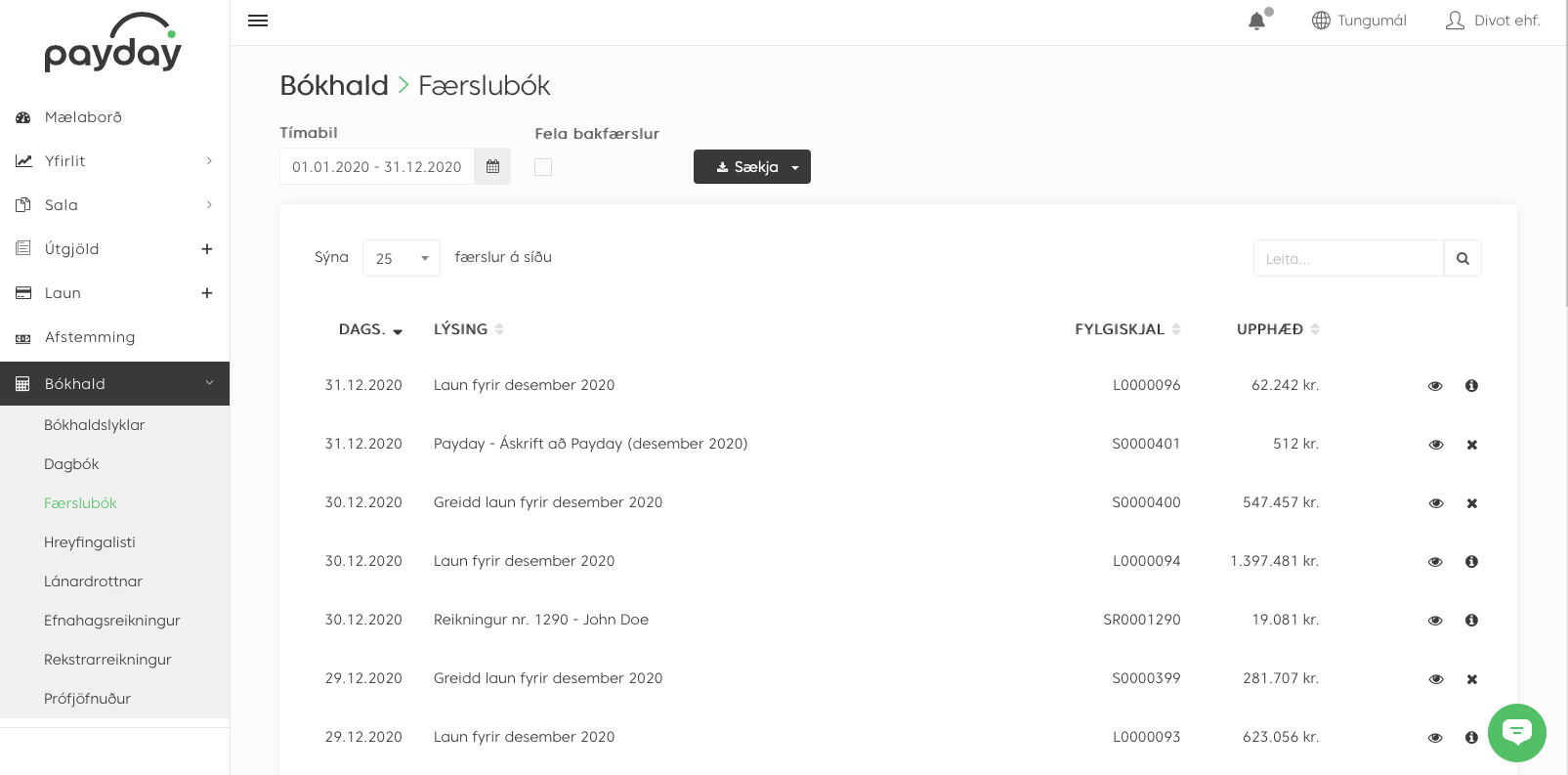
A list of all entries that have been recorded in the accounting system can be found under Accounting > Journal.
The journal displays all posted entries in the system, whether the system generated them automatically, or they were entered through the expenses page or via a manual journal. You can select a period to view and export the data to Excel or as a PDF document.
By selecting the eye icon, you can see which nominal accounts the entry was posted to.
If an entry is incorrect, it can be corrected by selecting the X. This will create an identical entry to the one being corrected, but with reversed signs.