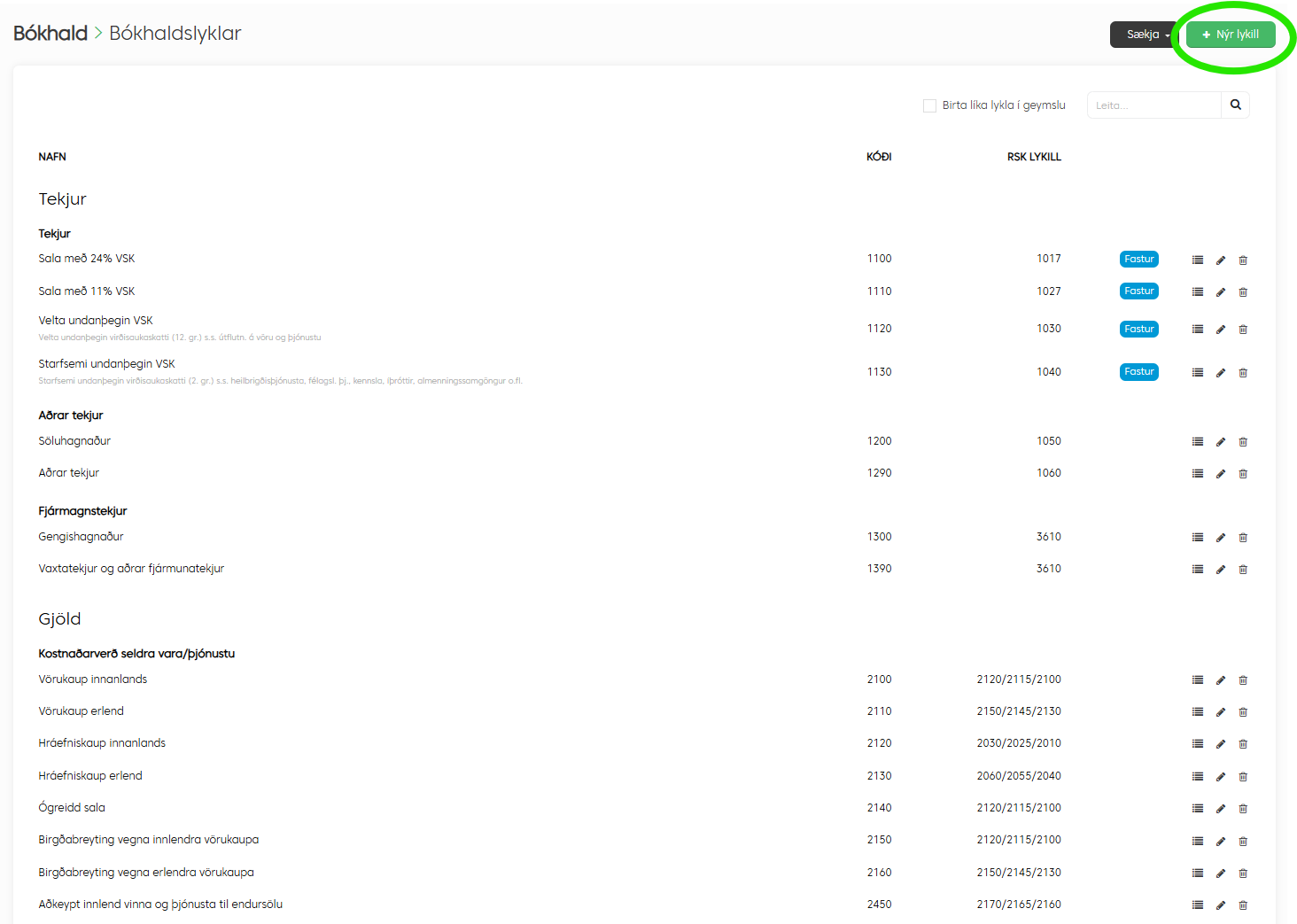
Chart of accounts at the beginning
Accounts are the categories into which all transactions in the bookkeeping are organized, e.g. "Sales", "Rent" or "Bank account". When you start using Payday, the accounts are already defined and they are the same as those appearing on the tax return.
You can find the accounts under Accounting > Chart of accounts.
#
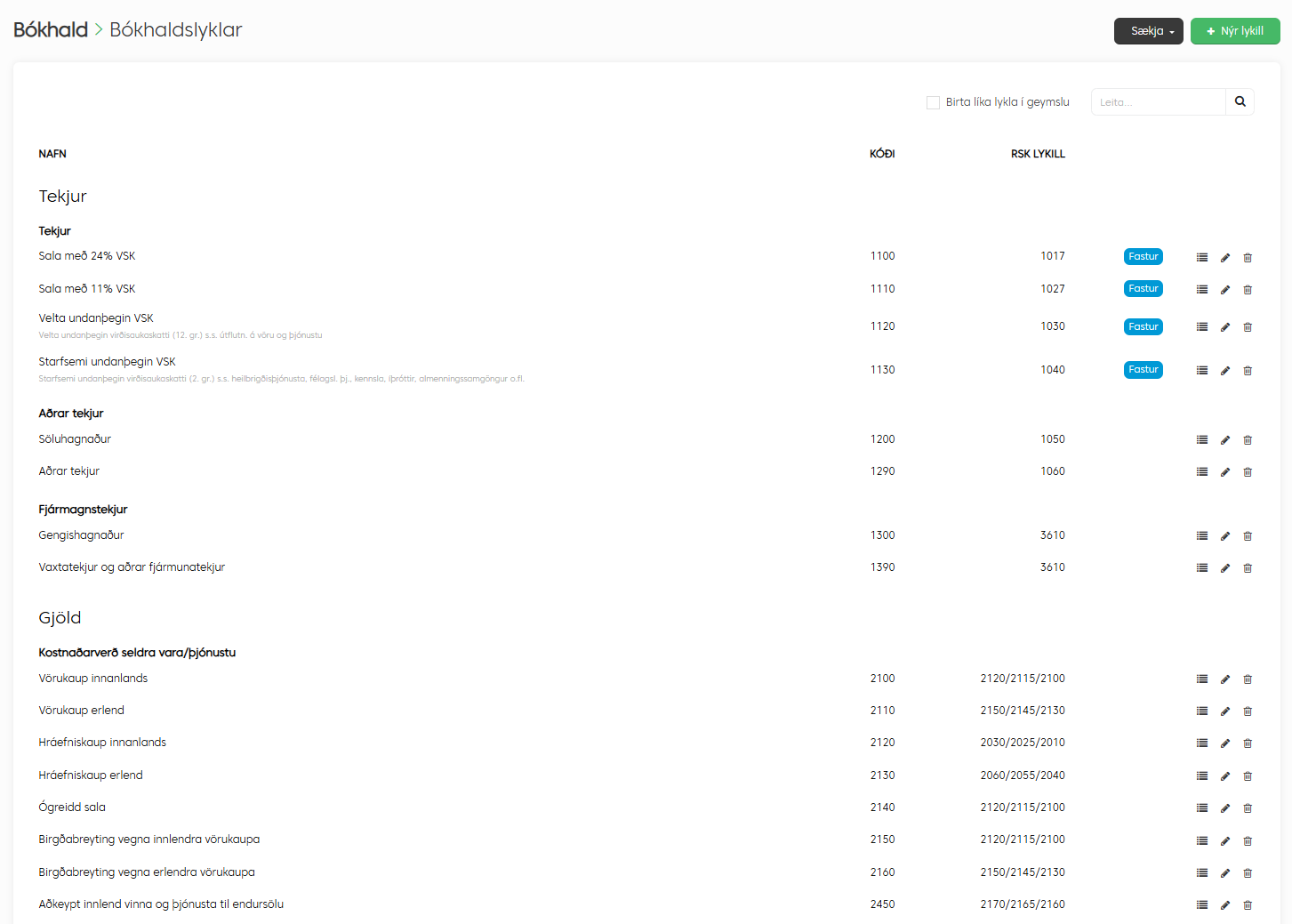
The code determines the order of the accounts in the system.
What is an RSK key?#
Each account is linked to an RSK key. It determines where the amount ends up on the tax return (RSK 1.04).
Which account should I choose?#
For expenses: see Expense categories.
If no account fits, you can create a new one: see Create, edit, delete or hide an account.
Can I import my own chart of accounts?#
Each account must be created manually under Accounting > Chart of accounts > New account.
#