Balance sheet general
Access to the balance sheet
The balance sheet is an important part of the accounting and is easy to access in the system:
-
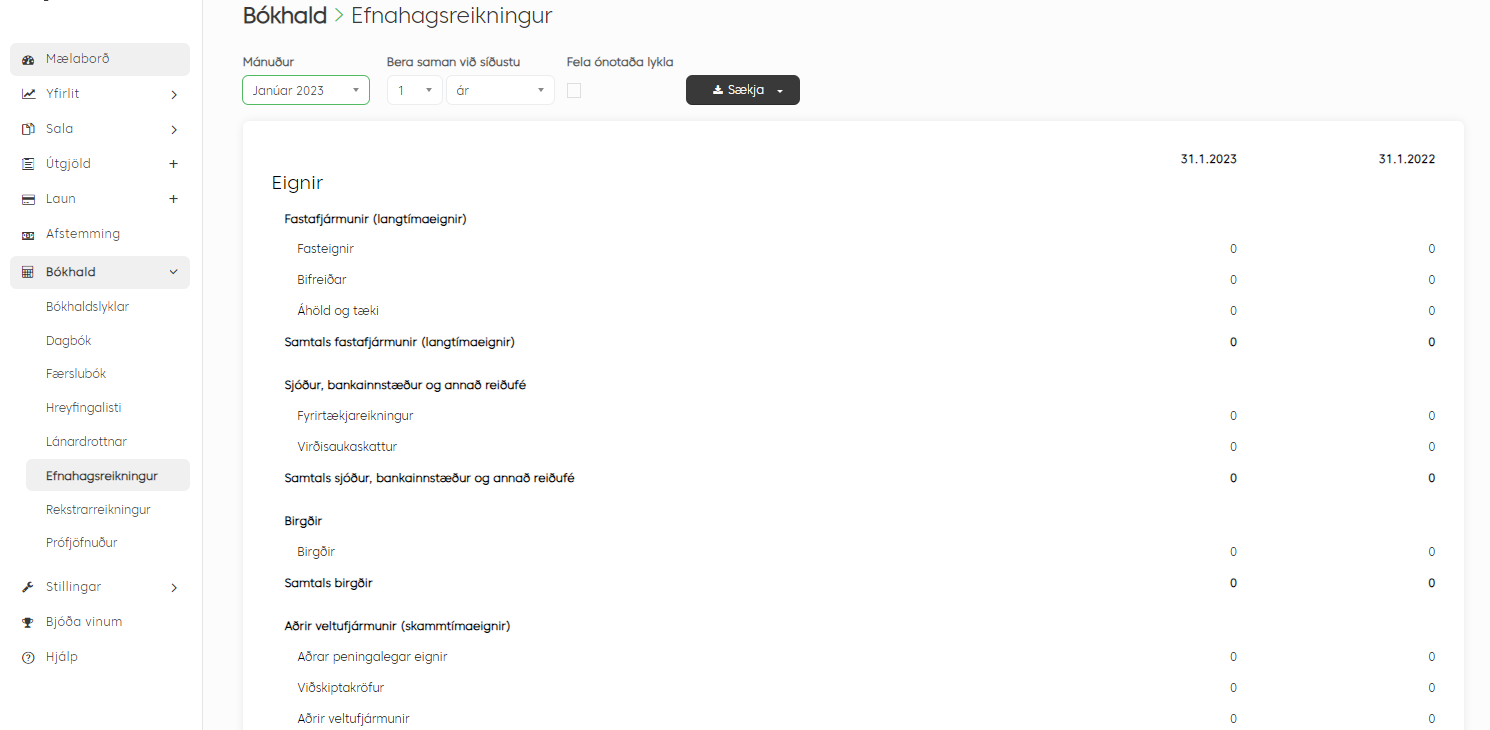
Path to the balance sheet: Go to the menu and select Bókhald > Efnahagsreikningur.
-
View balance sheet: Here you can view the balance sheet for a specific period, as well as compare accounts at different dates. This can help you see trends in assets, liabilities, and equity over different periods.
-
Export report: You have the option to export the balance sheet to both Excel and PDF file formats. This makes it easy to share information or store it for a formal audit.
With these instructions, the user can find and utilize the balance sheet efficiently.